
VISHNU PARAPPULAKKAL

VISHNU PARAPPULAKKAL

G

e

n

e

r

a

t

i

v

e

A

I

G

e

n

e

r

a

t

i

v

e

A

I

G

e

n

e

r

a

t

i

v

e

A

I

VISHNU PARAPPULAKKAL

G

e

n

e

r

a

t

i

v

e

A

I

"Simplifying Complex Technology"


Gen AI Engineer & Creative Technologist with a background in Physics, focused on building functional AI prototypes. Proficient in LLM orchestration (Antigravity, n8n, Comfy-UI) and developing RAG architectures to simplify complex data workflows. I leverage systemic logic to design high-performance, accessible AI tools for professionals.

Unfortunately! This site is optimized for Desktop view

Unfortunately! This site is optimized for Desktop view

TOOLS I USE

TOOLS I USE

Krita Diffusion | ComfyUI | AI Studio | Photoshop | blender | Python | Other opensource Models

Rapid Prototyping, AI Workflow Architecture, Systems Thinking, UX/UI Design, Creative Technologist, Generative AI designer, ComfyUI, Python, Blender, Adobe Photoshop, Adobe Illustrator, Google AI Studio, Image Processing & Automation, Scientific Illustration, Generative AI Design & Workflows, Nanobanana

Krita Diffusion | ComfyUI | AI Studio | Photoshop | blender | Python | Other opensource Models

Rapid Prototyping, AI Workflow Architecture, Systems Thinking, UX/UI Design, Creative Technologist, Generative AI designer, ComfyUI, Python, Blender, Adobe Photoshop, Adobe Illustrator, Google AI Studio, Image Processing & Automation, Scientific Illustration, Generative AI Design & Workflows, Nanobanana

I use a centralized mklink-style symbolic linking setup for managing large model files
(.safetensors, embeddings, etc.),

Krita Diffusion | ComfyUI | AI Studio | Photoshop | blender | Python | Other opensource Models

Rapid Prototyping, AI Workflow Architecture, Systems Thinking, UX/UI Design, Creative Technologist, Generative AI designer, ComfyUI, Python, Blender, Adobe Photoshop, Adobe Illustrator, Google AI Studio, Image Processing & Automation, Scientific Illustration, Generative AI Design & Workflows, Nanobanana

GEN AI

Antigravity_Prototyping

Custom made Web App for PDF editing
Google AI Studio_Prototyping

Custom made Web App for Image generation & editing

Google AI Studio_Prototyping

Custom made Web App for Image generation & editing

https://smarterpdf.vercel.app/

Results
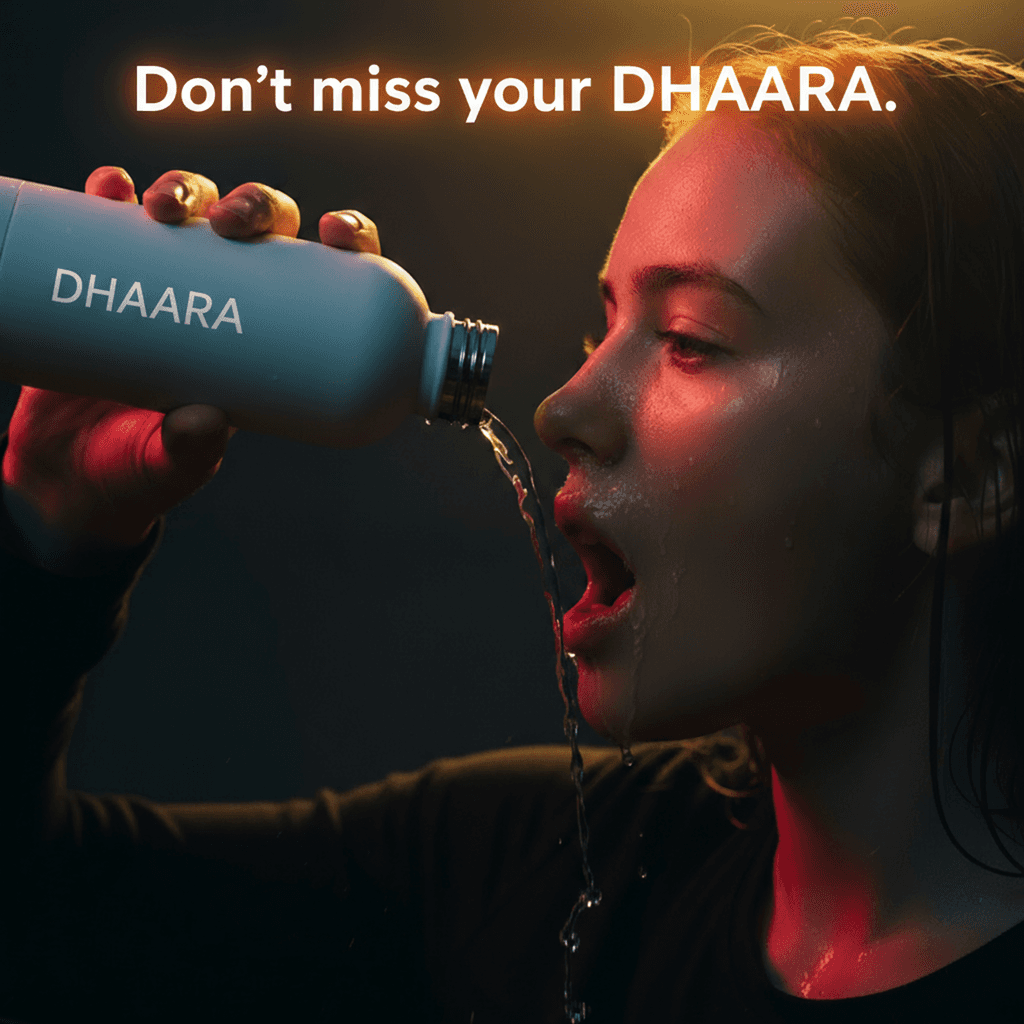
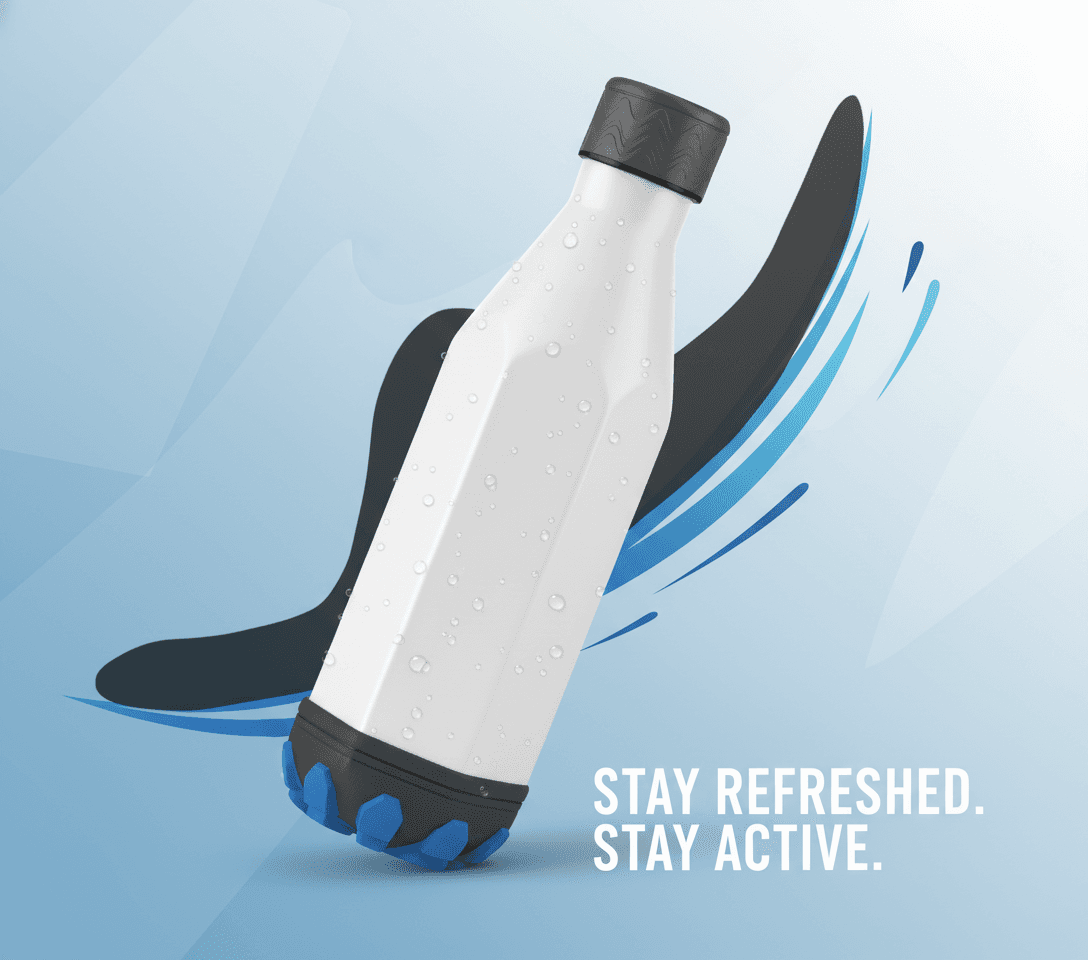
Inspired from Nike

Results
Inspired from Nike

Results
Inspired from Nike

" The art of prompting "

I use a centralized mklink-style symbolic linking setup for managing large model files
(.safetensors, embeddings, etc.),

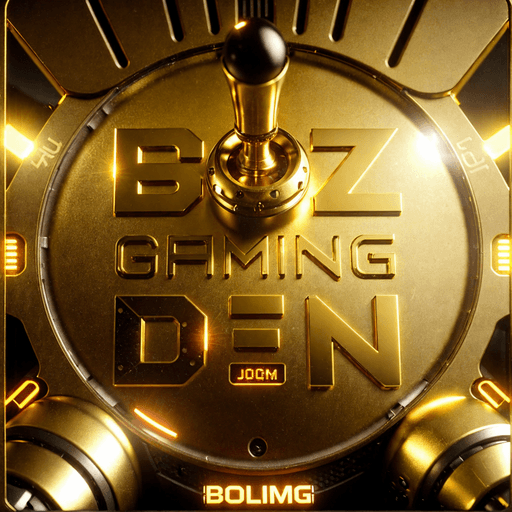
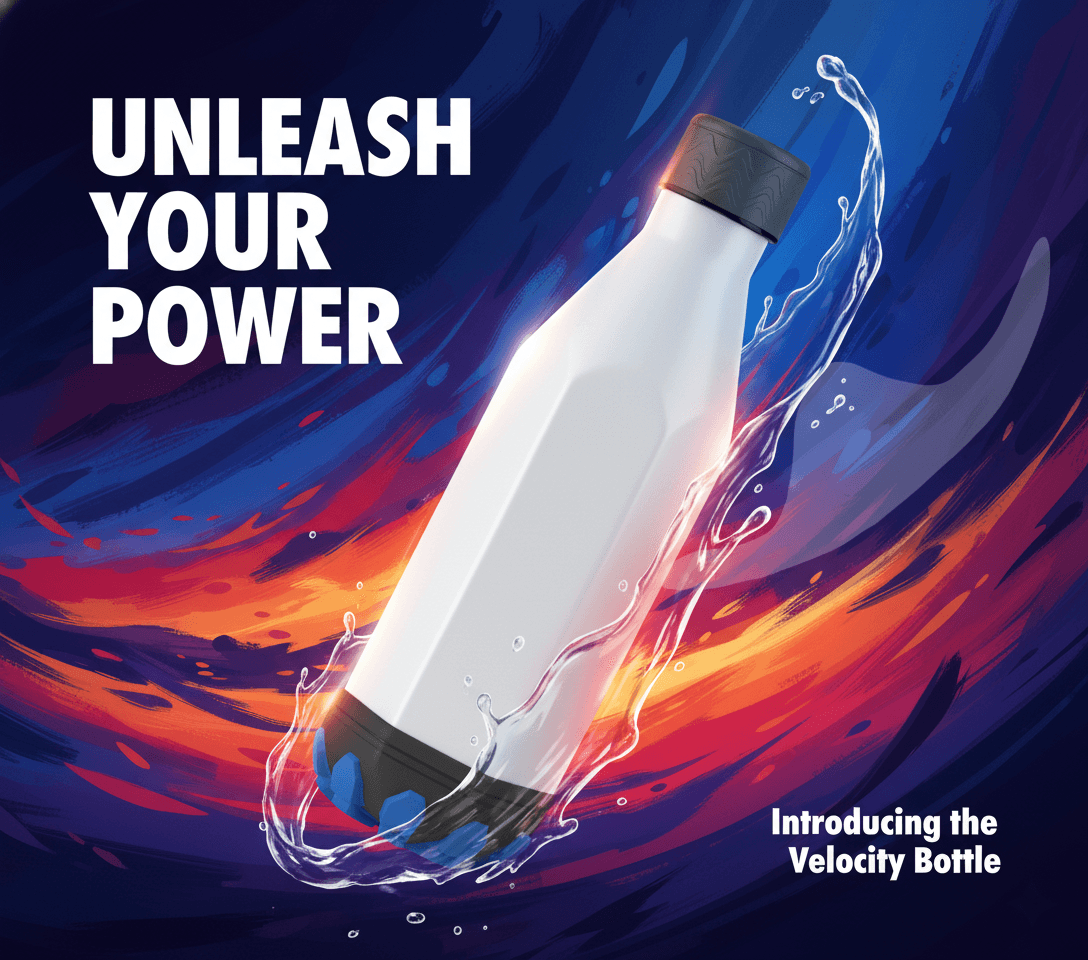
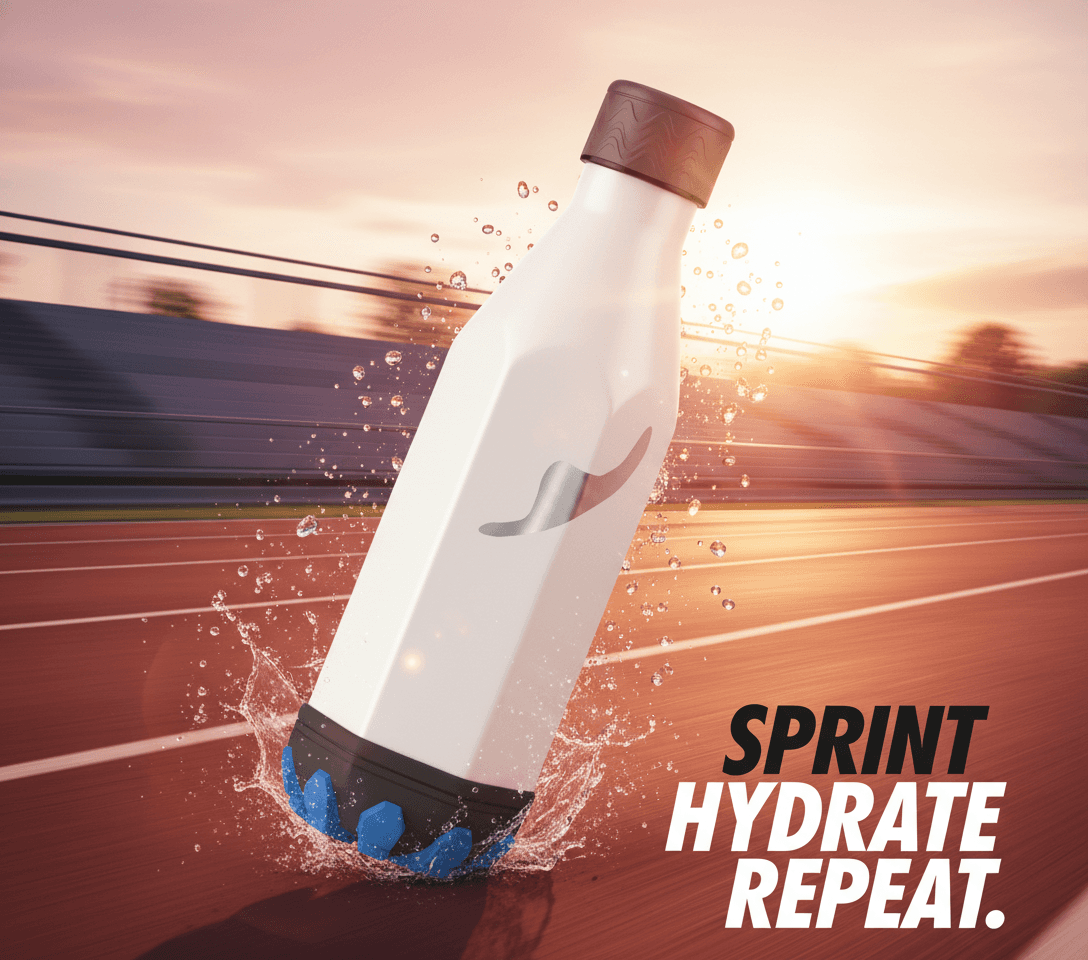
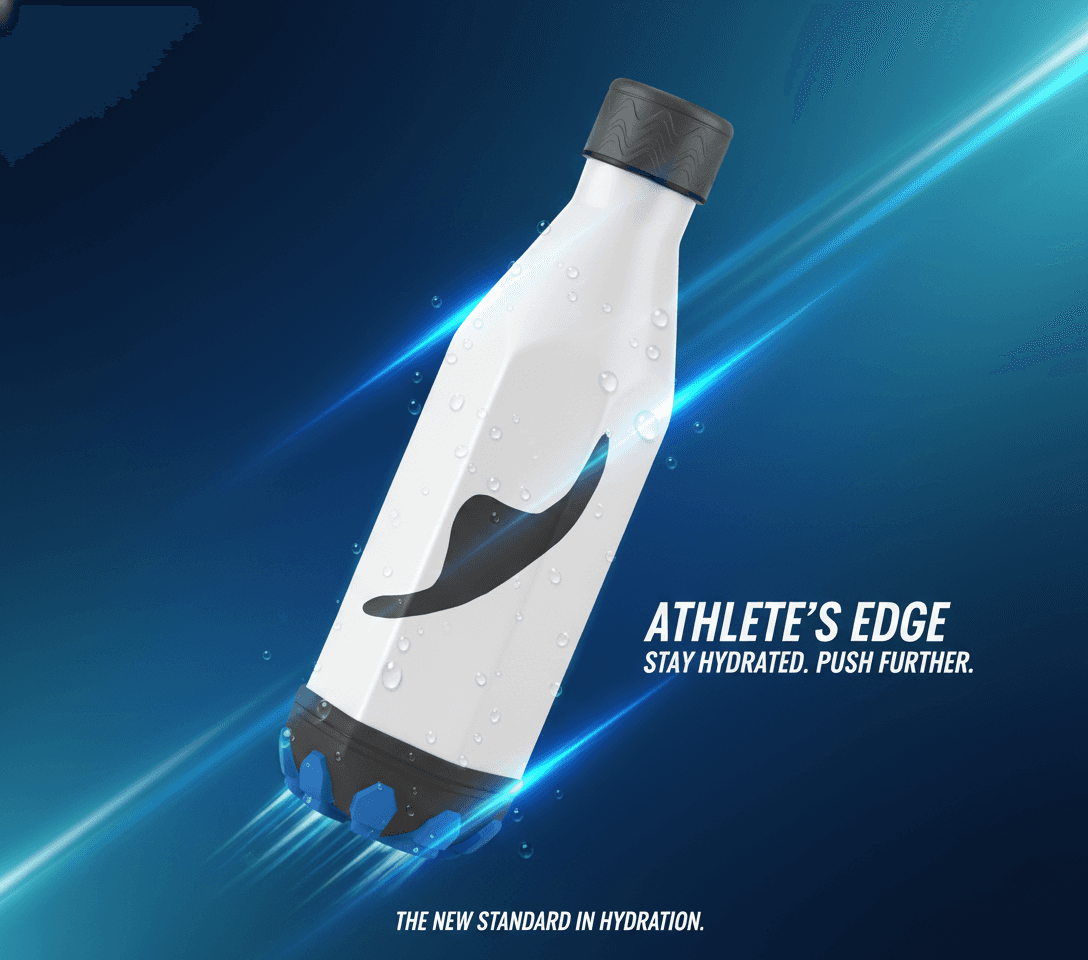
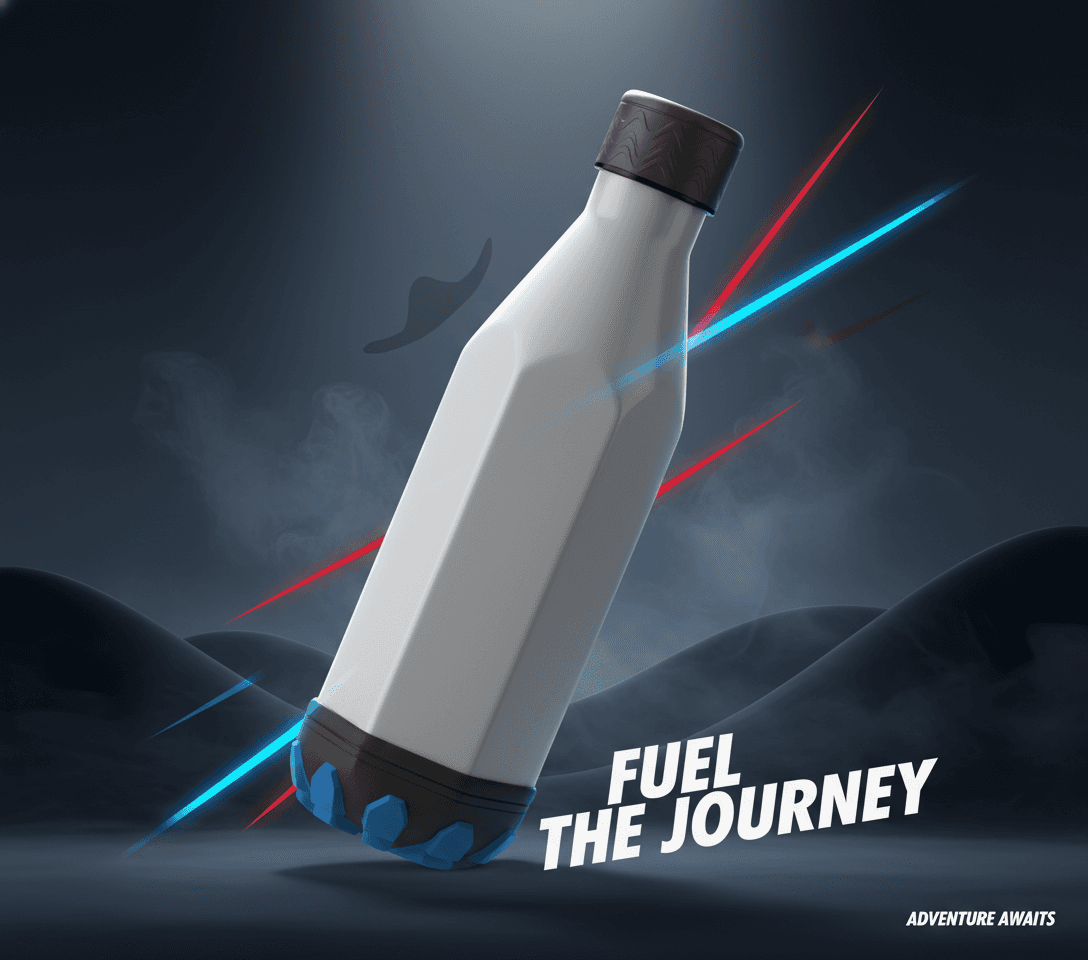
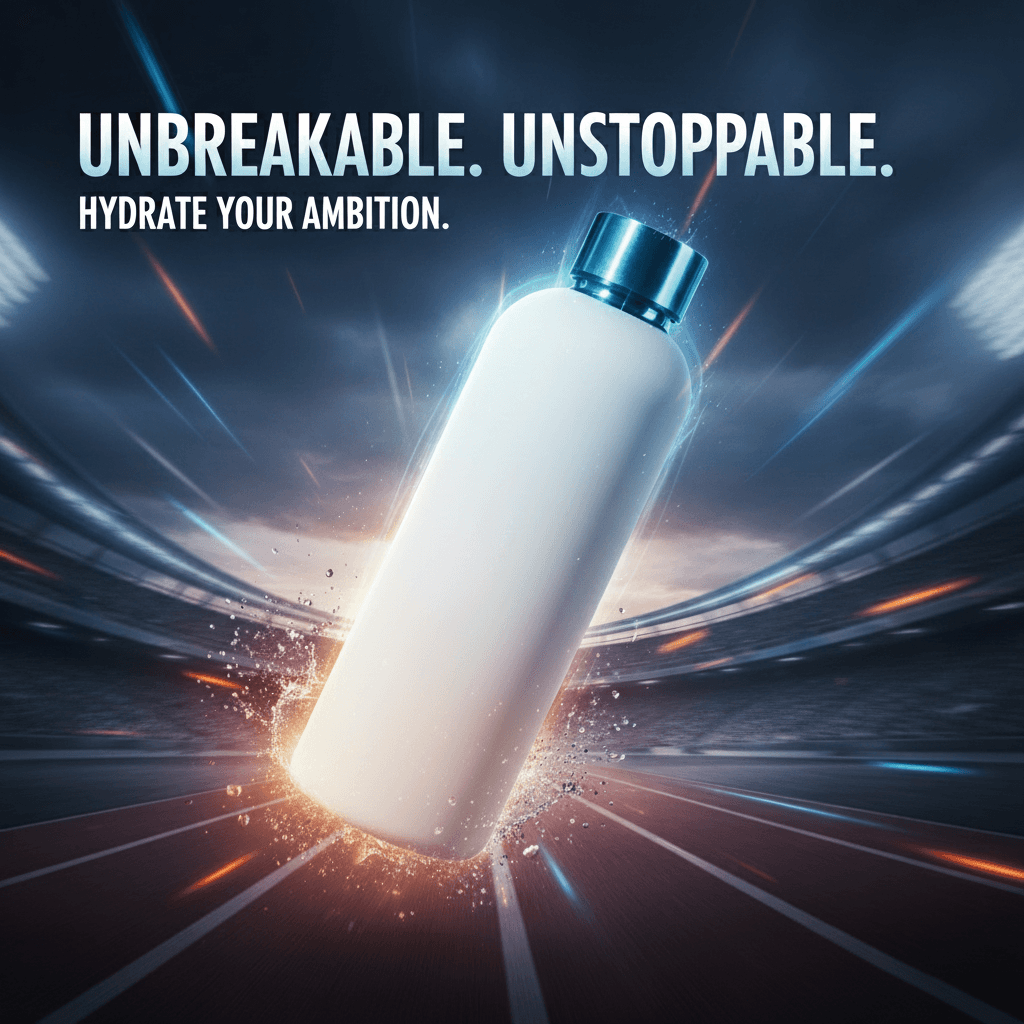
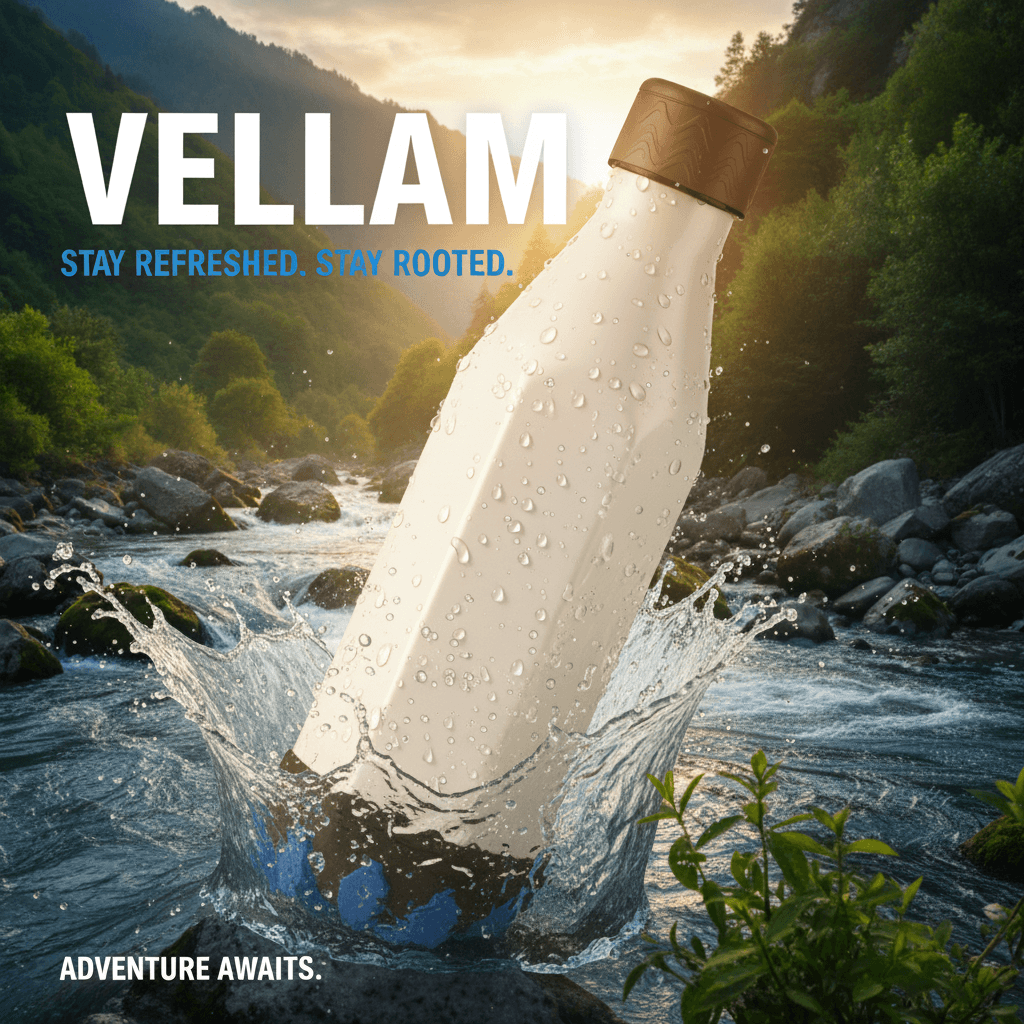
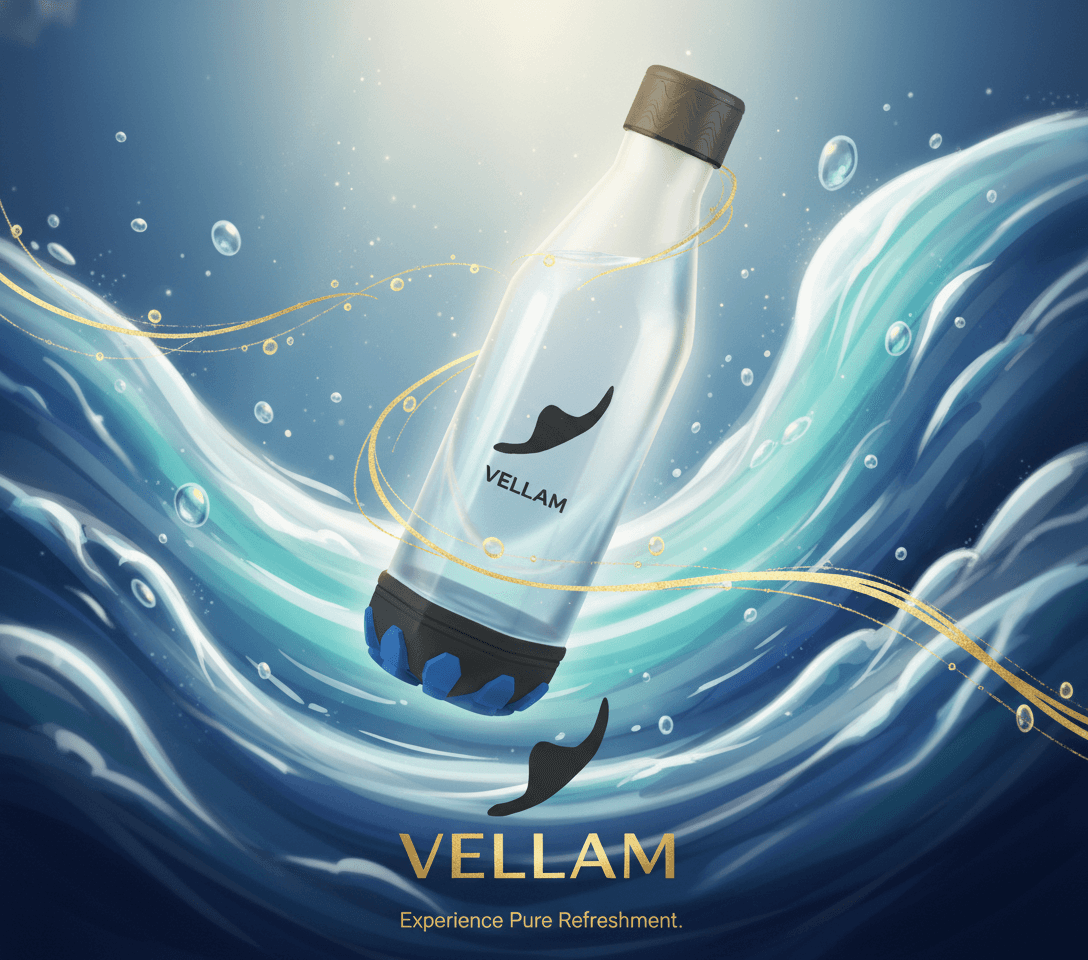
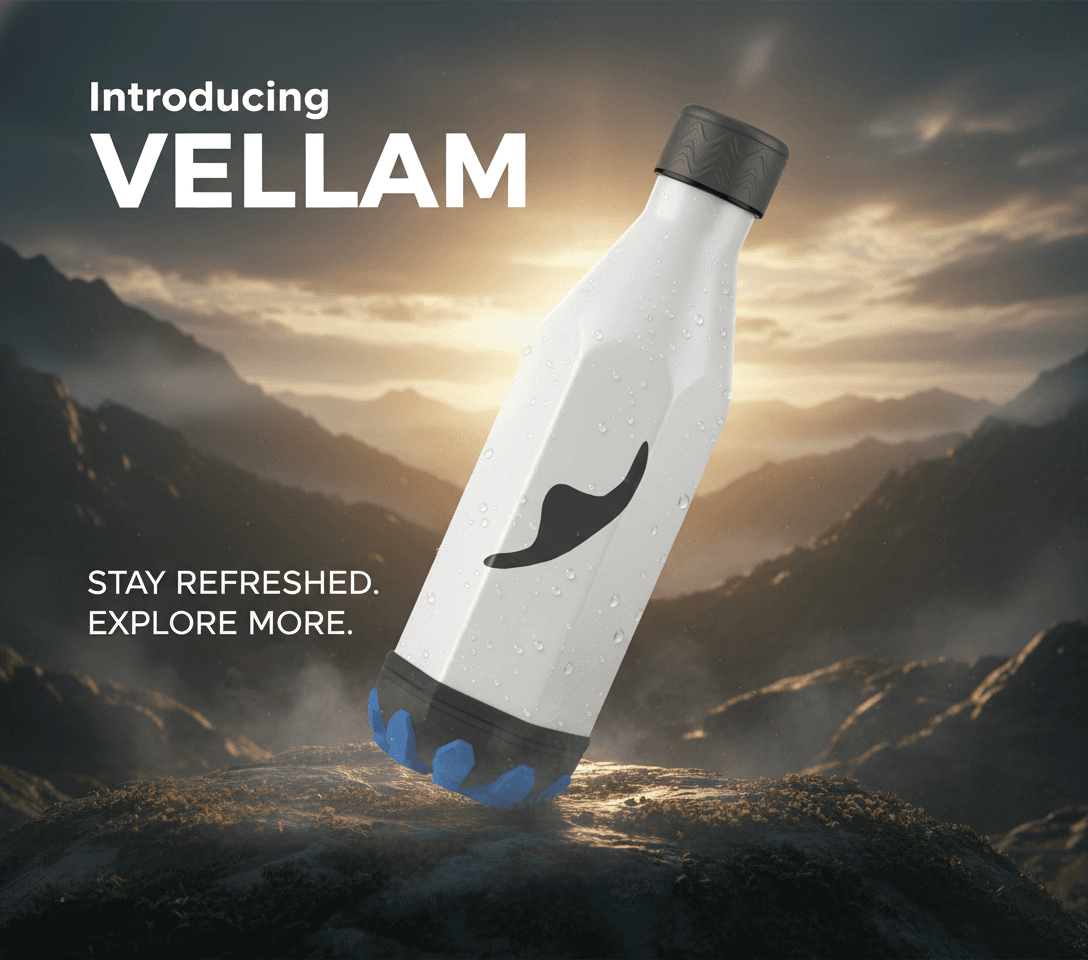
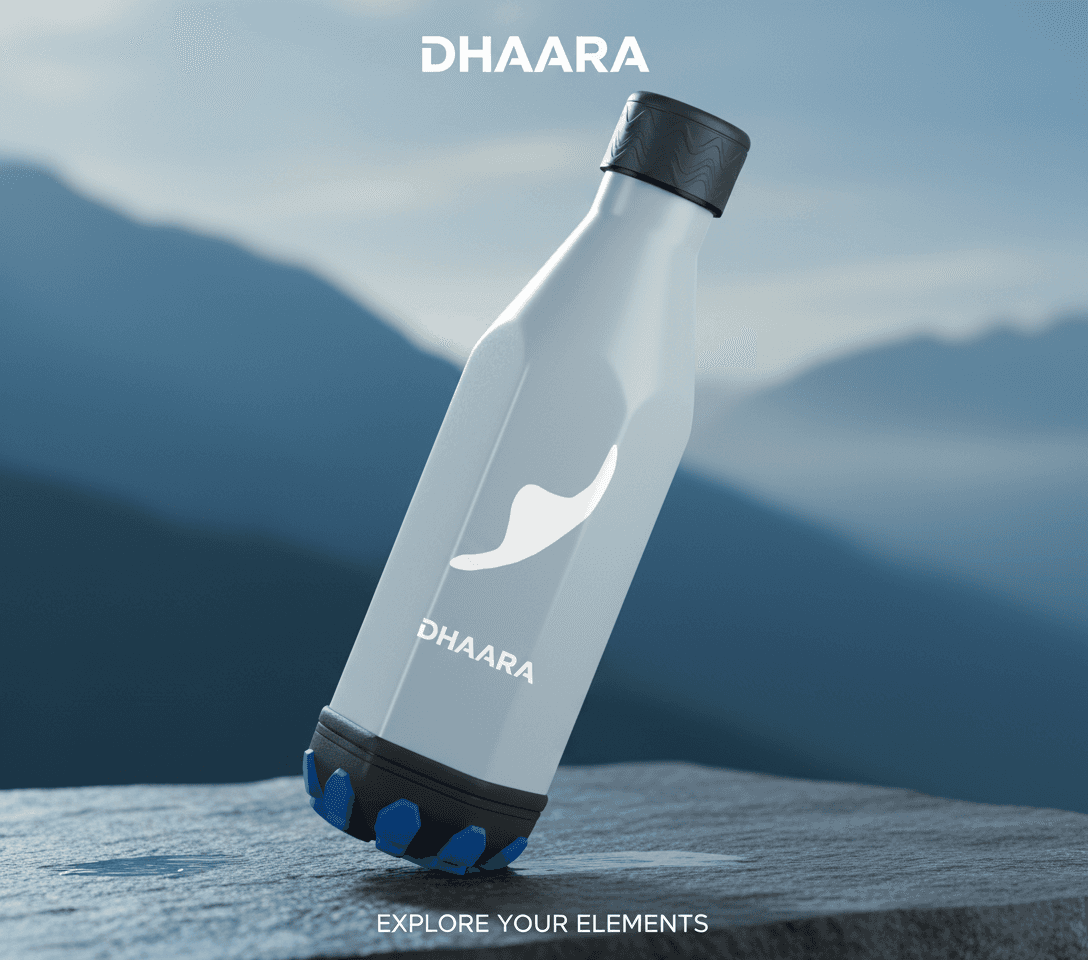
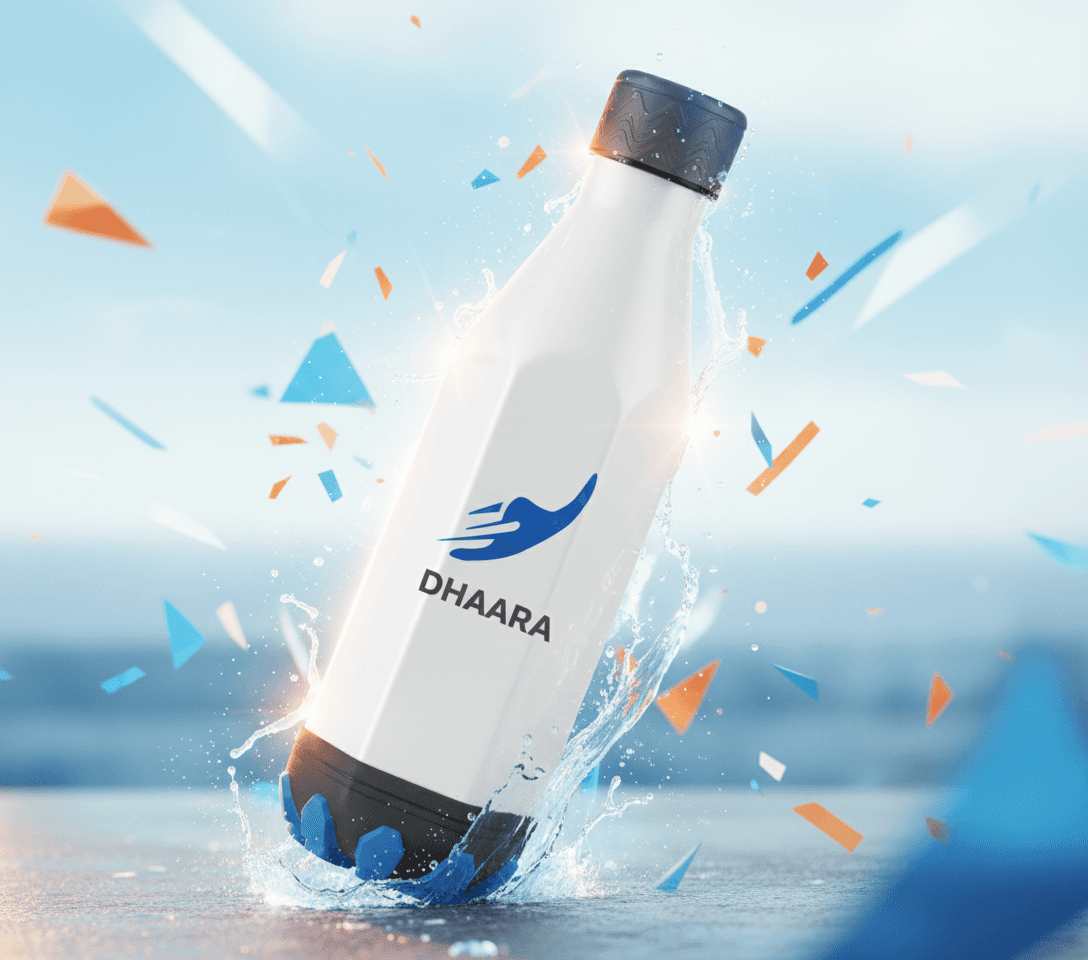
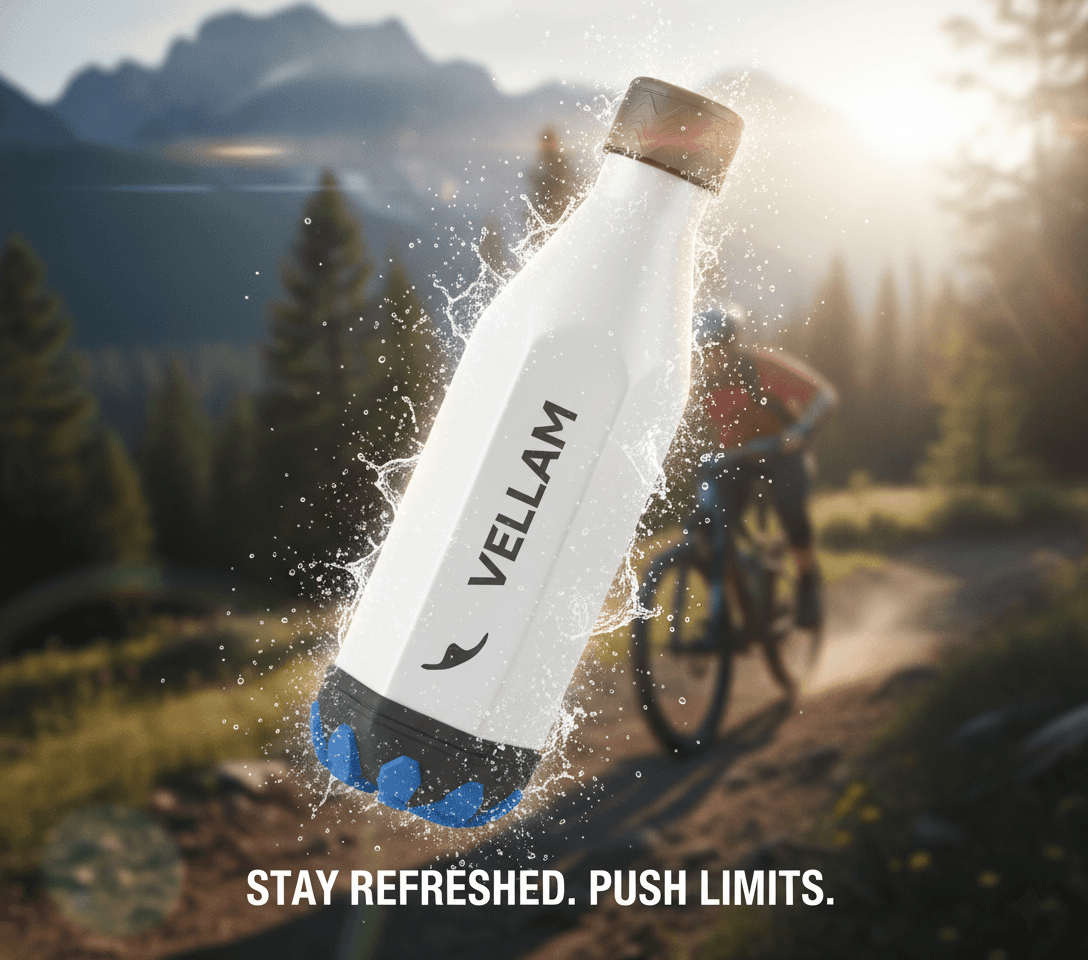
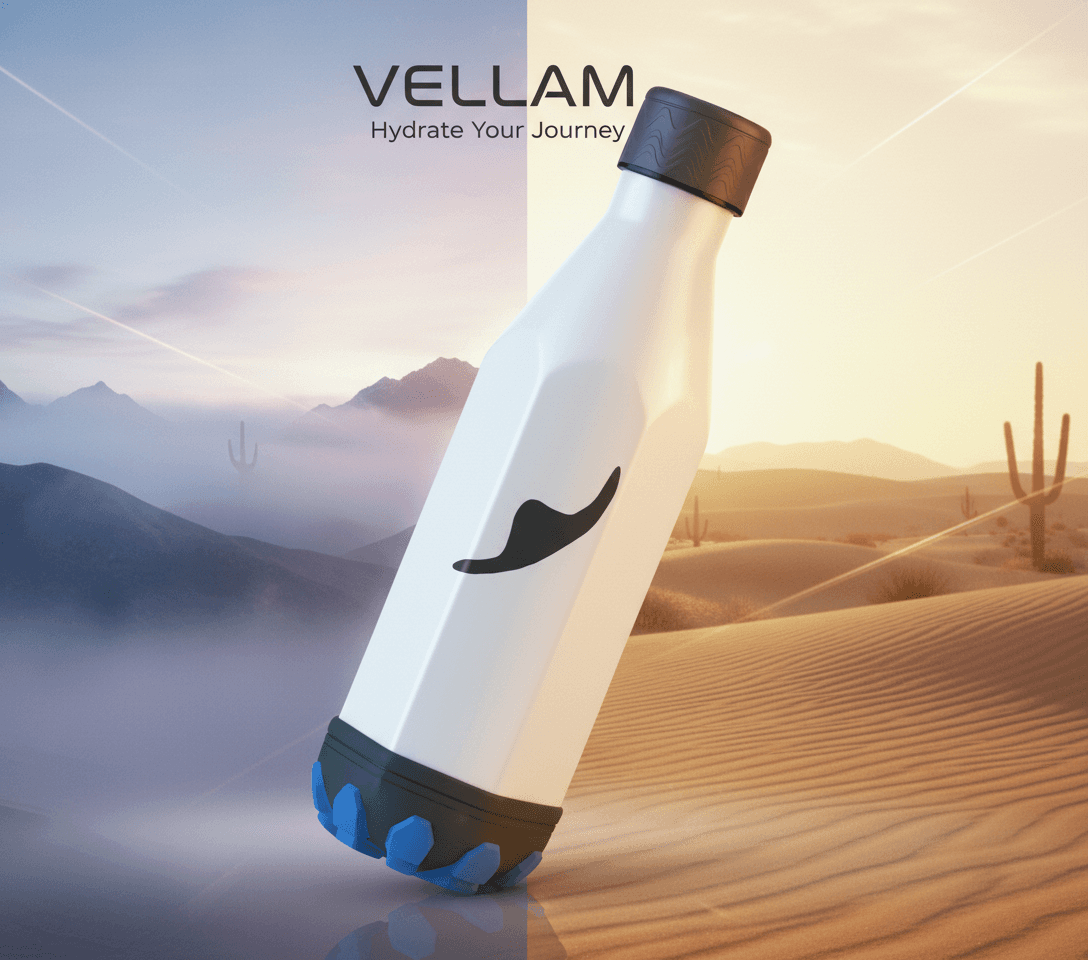
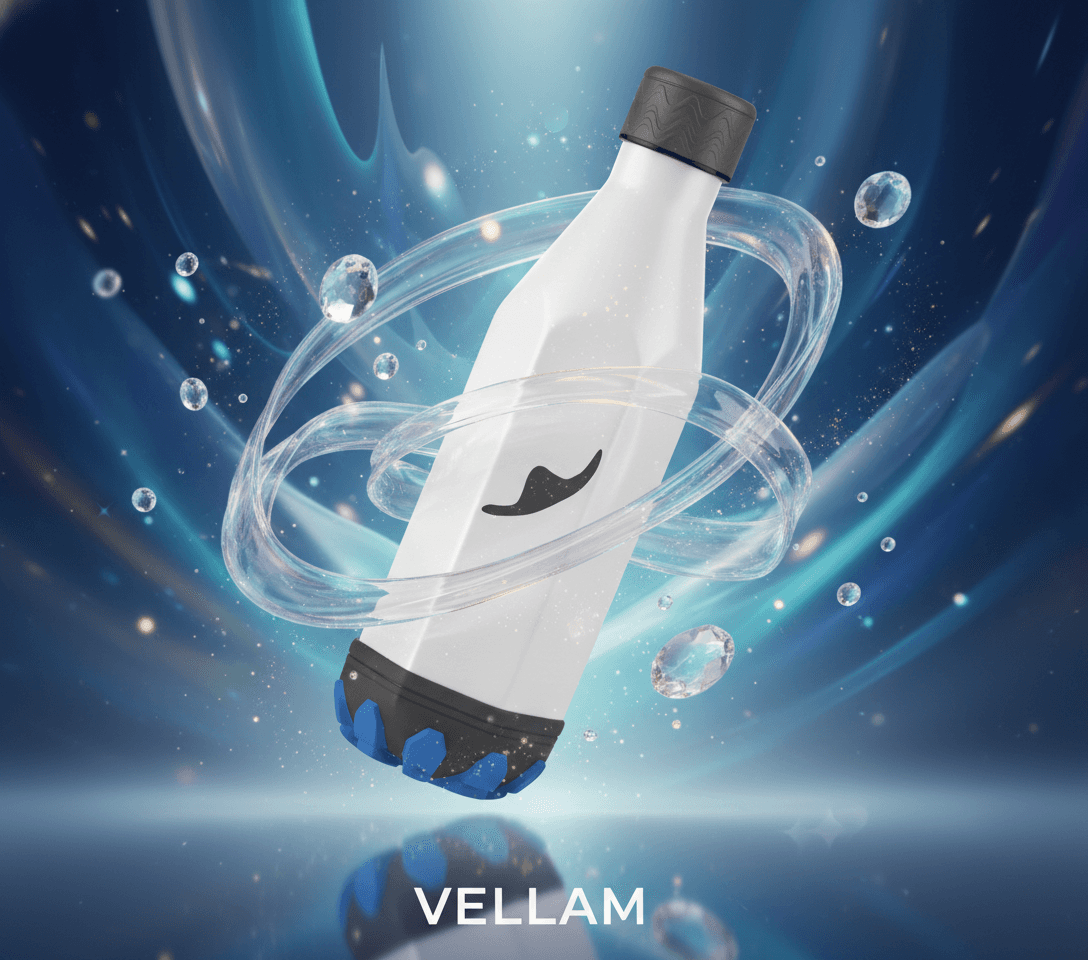
Rapid visual generations with style control for brand / product visualization.

Rapid visual generations with style control for brand / product visualization.

Rapid visual generations with style control for brand / product visualization.


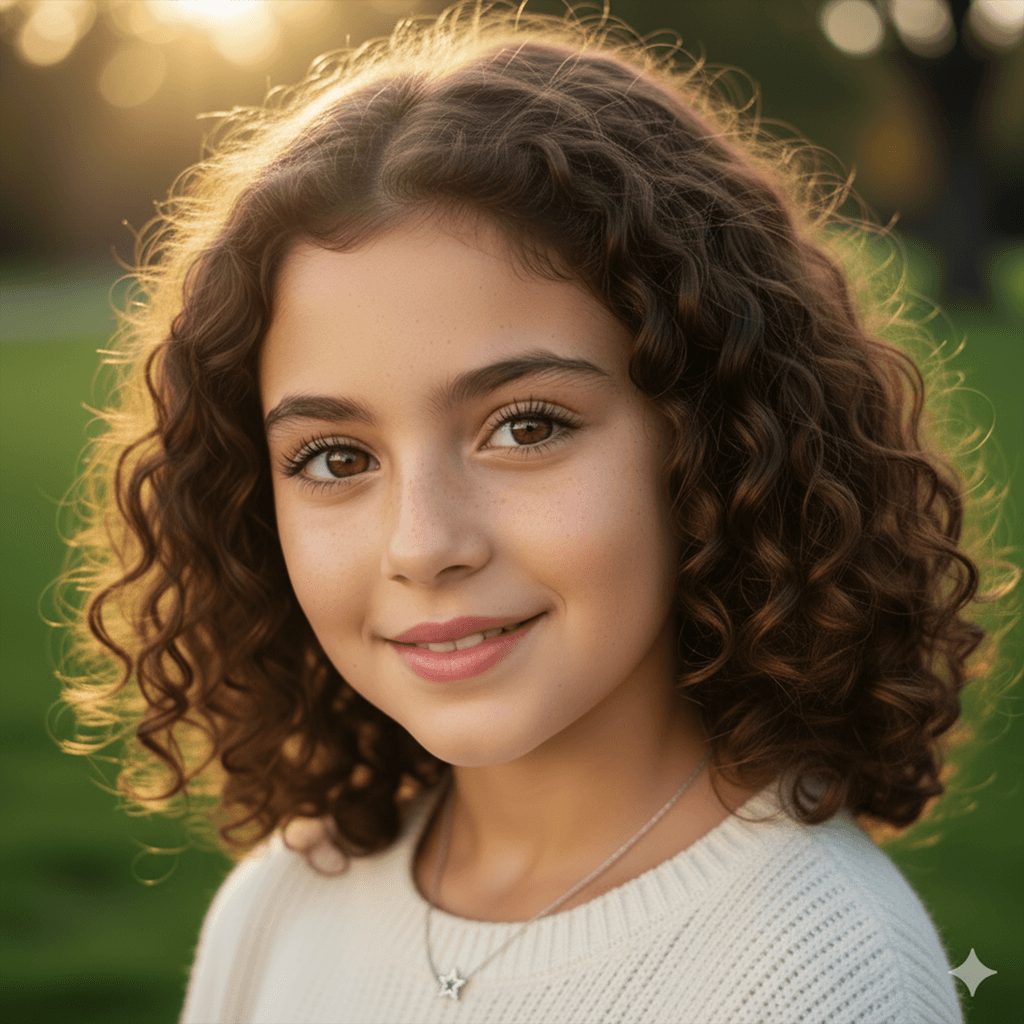
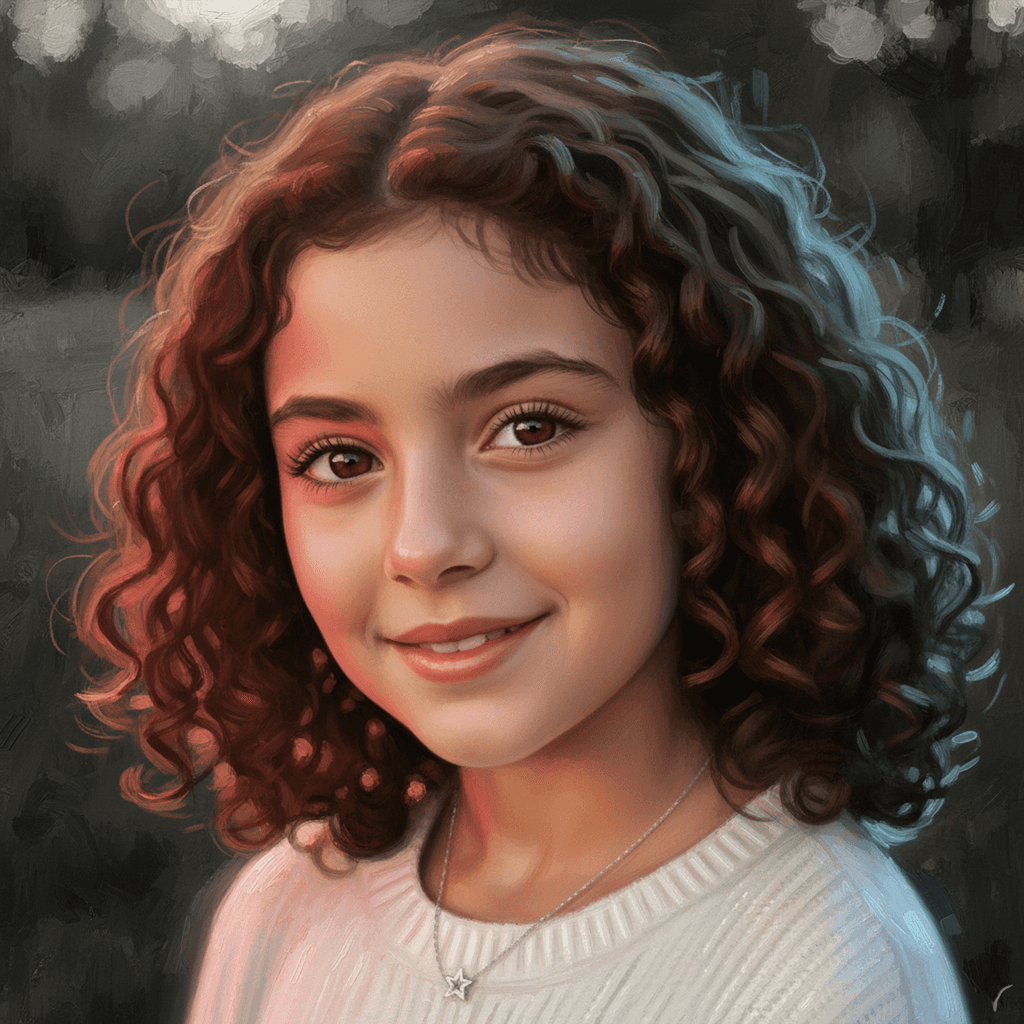
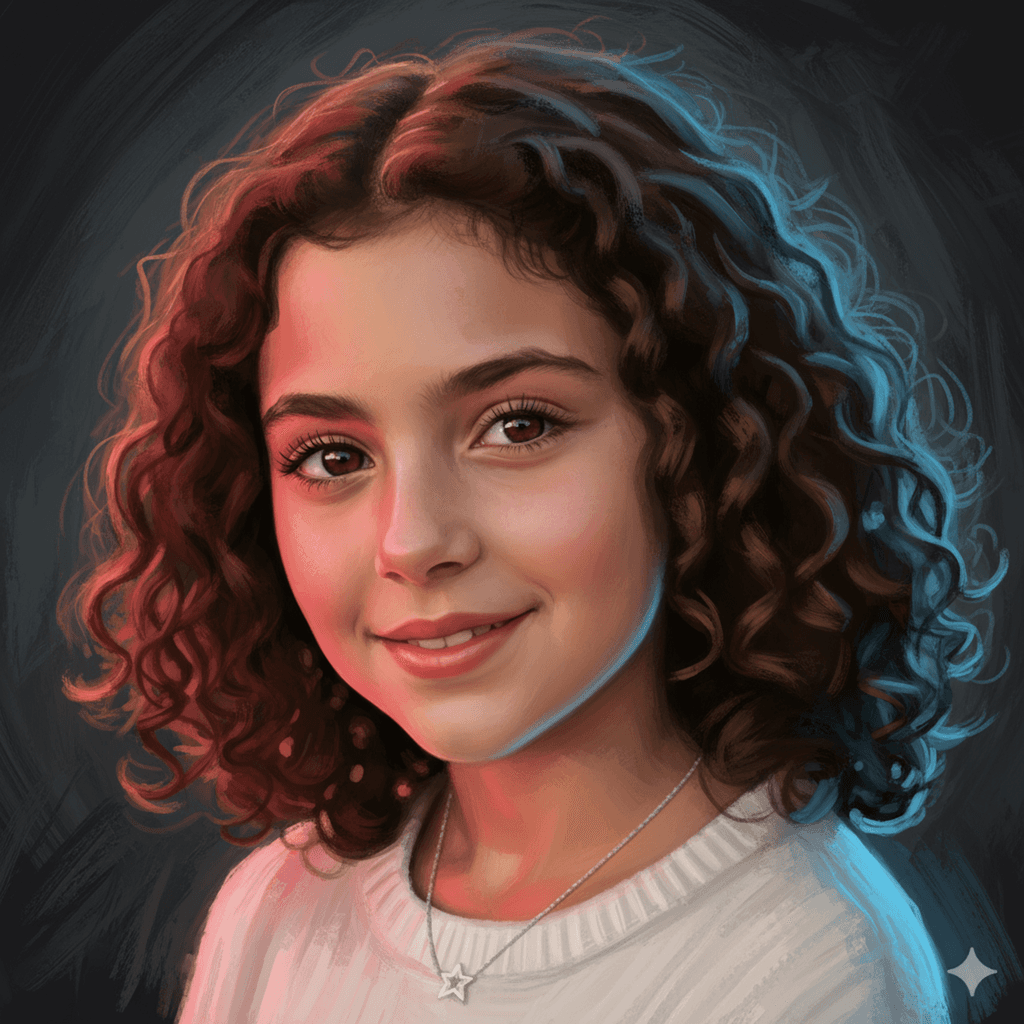
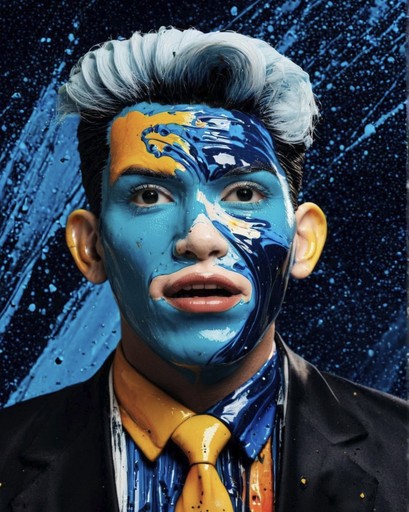
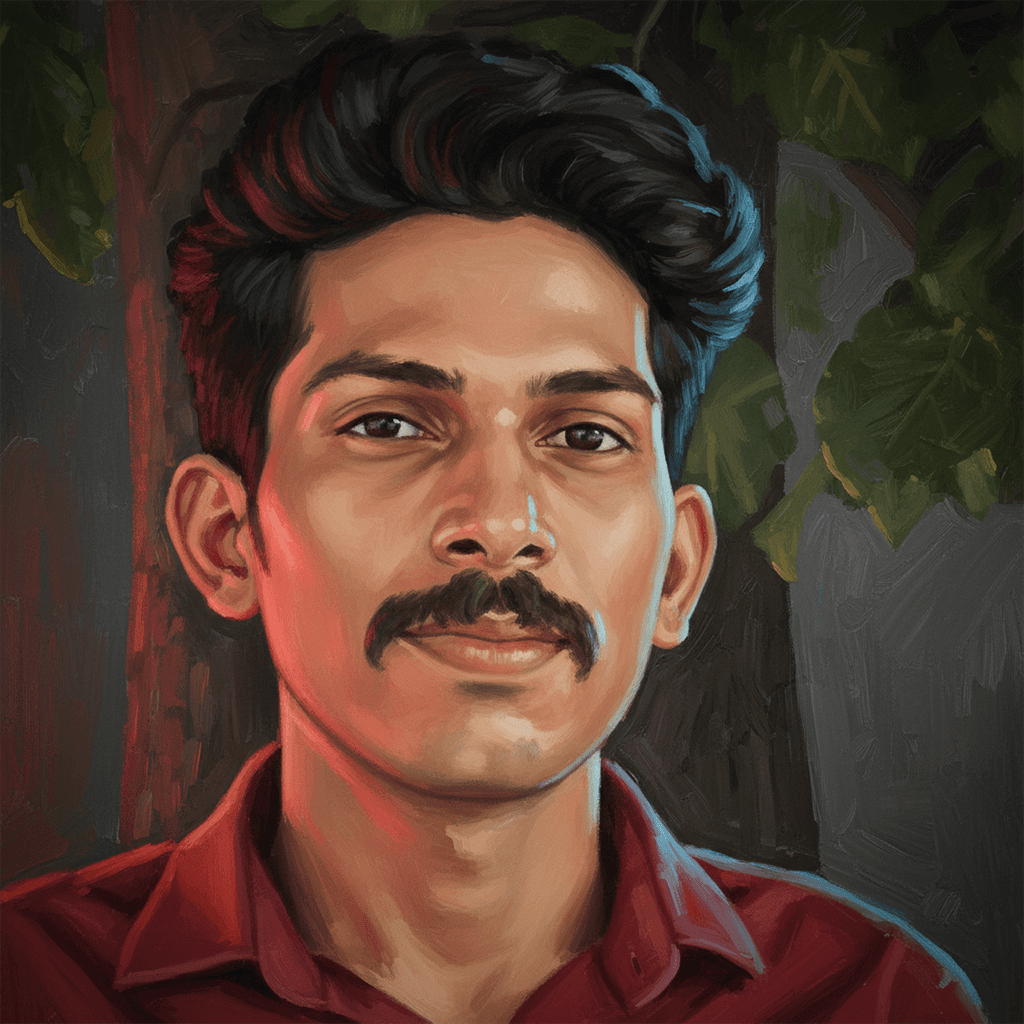
🧾Prompt Create a grayish-dark background with a red light illuminating the shot from the left and a golden light from the right, with a blue rim light tracing the right edges of the face from the back.  While enlarging this image, the details and brush strokes are lost. Recreate the same image, adding details and brush strokes without altering the content. To keep the content, you may make a line art, a depth map, and a normal map to preserve the composition. Set Denoise to 0.1.


🧾Prompt Create a grayish-dark background with a red light illuminating the shot from the left and a golden light from the right, with a blue rim light tracing the right edges of the face from the back.  While enlarging this image, the details and brush strokes are lost. Recreate the same image, adding details and brush strokes without altering the content. To keep the content, you may make a line art, a depth map, and a normal map to preserve the composition. Set Denoise to 0.1.


🧾Prompt Create a grayish-dark background with a red light illuminating the shot from the left and a golden light from the right, with a blue rim light tracing the right edges of the face from the back.  While enlarging this image, the details and brush strokes are lost. Recreate the same image, adding details and brush strokes without altering the content. To keep the content, you may make a line art, a depth map, and a normal map to preserve the composition. Set Denoise to 0.1.


🧾Prompt Create a grayish-dark background with a red light illuminating the shot from the left and a golden light from the right, with a blue rim light tracing the right edges of the face from the back.  While enlarging this image, the details and brush strokes are lost. Recreate the same image, adding details and brush strokes without altering the content. To keep the content, you may make a line art, a depth map, and a normal map to preserve the composition. Set Denoise to 0.1.


Krita Diffusion & ComfyUI in Action: Rapid Ideation Pipeline

Krita Diffusion & ComfyUI in Action: Rapid Ideation Pipeline

Krita Diffusion & ComfyUI in Action: Rapid Ideation Pipeline


🧾 On-Canvas Prompting
🖼️ Layer-Based Generation
🎨 Style Transfer with Control
🧱 Built-in Stable Diffusion Backend

Features

Live Painting
On-Canvas Prompting
Layer-Based Generation
Style Transfer with Control
Built-in Stable Diffusion Backend


🧾 On-Canvas Prompting
🖼️ Layer-Based Generation
🎨 Style Transfer with Control
🧱 Built-in Stable Diffusion Backend

Adobe firefly

Adobe firefly

Adobe firefly


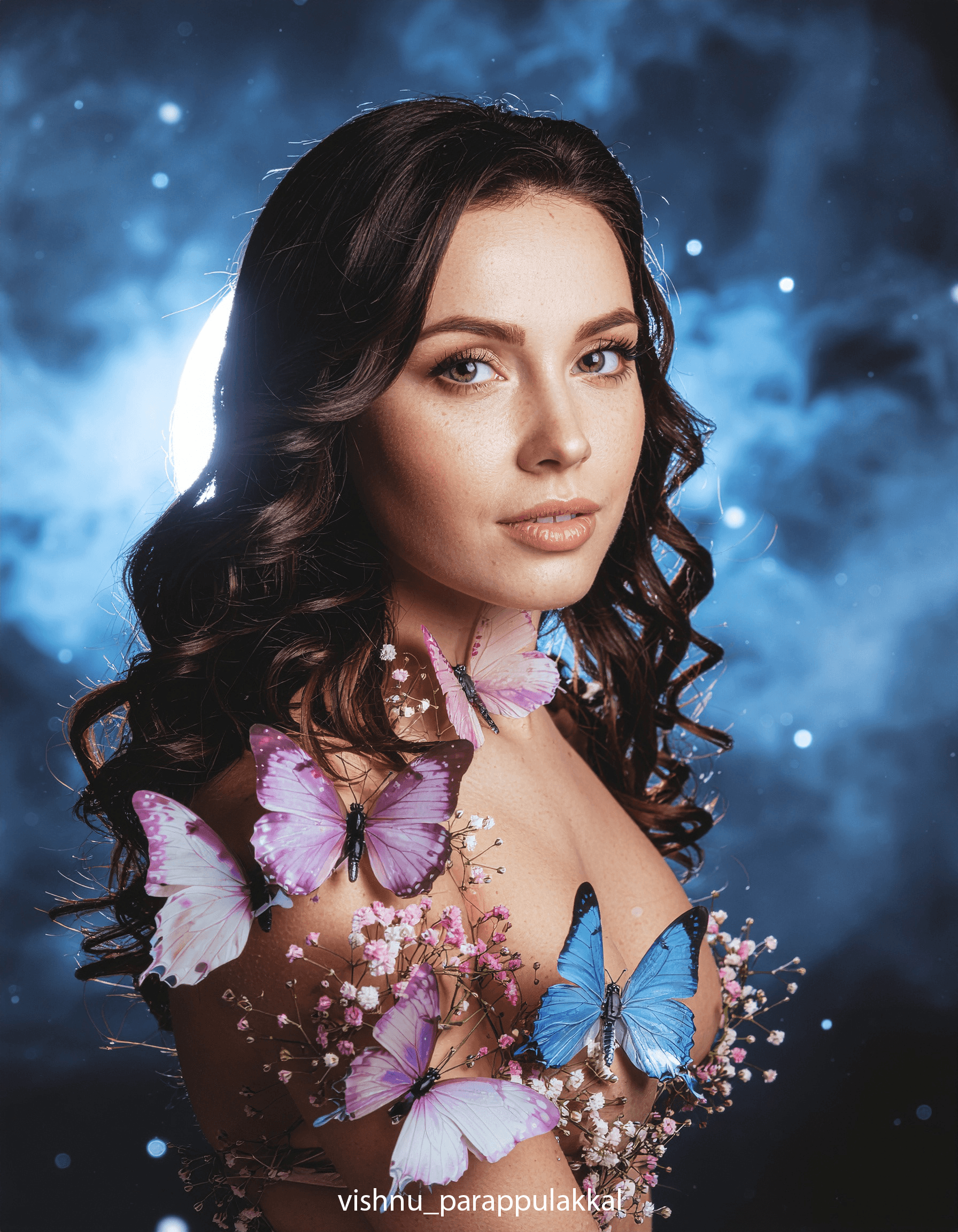
🧾 On-Canvas Prompting
🖼️ Realistic Image
🧱 Built-in Nano-banana & Flux kontext

Features

Live Painting
On-Canvas Prompting
Layer-Based Generation
Style Transfer with Control
Built-in Stable Diffusion Backend


🧾 On-Canvas Prompting
🖼️ Realistic Image
🧱 Built-in Nano-banana & Flux kontext

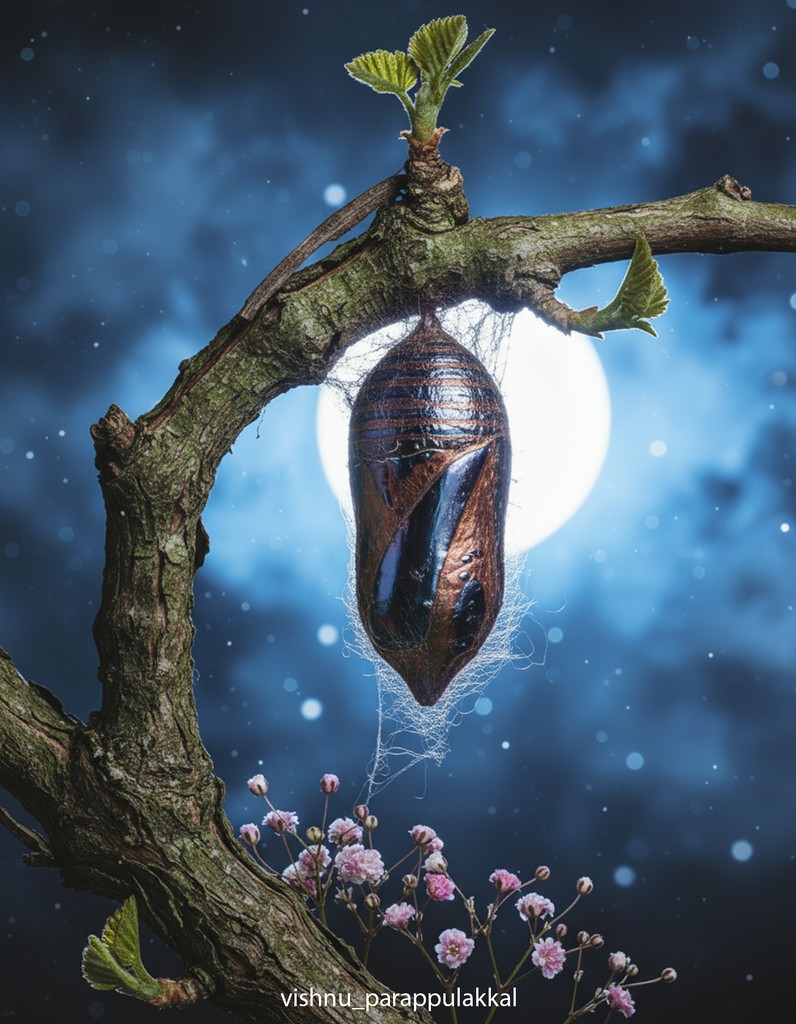
The Cocoon's Transformation (AI-Generated Video/Visual Concept)
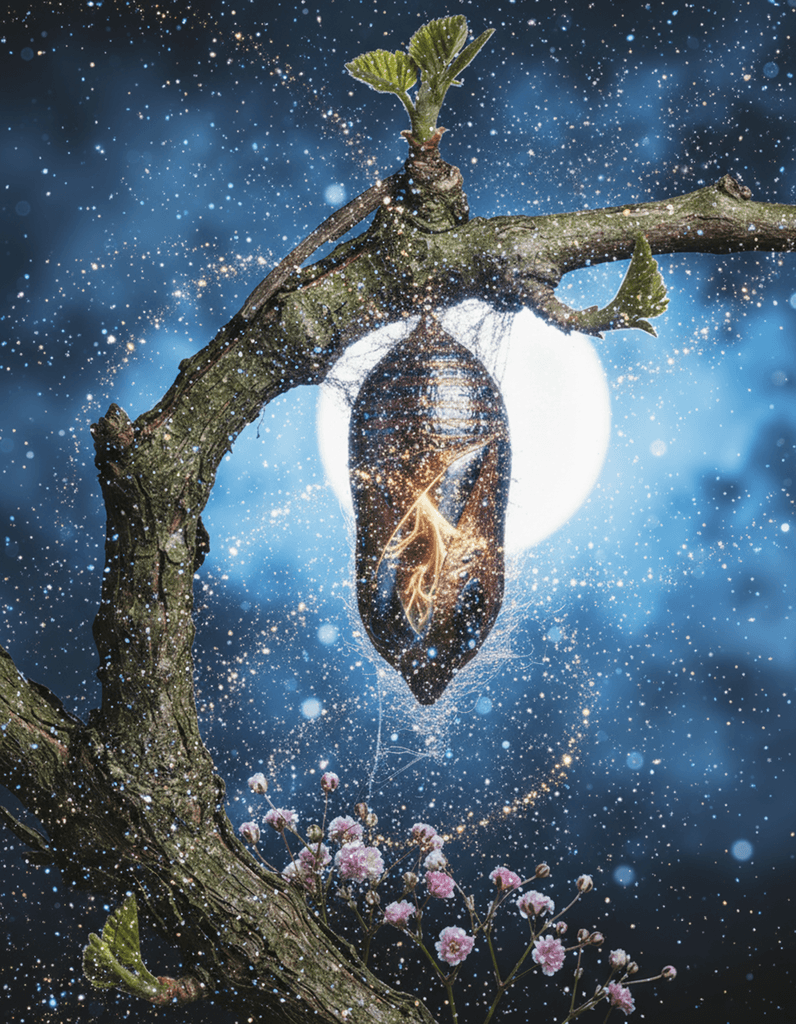

🧾Prompt: "Generate an image of a cocoon that has a similar color tone to the background. The cocoon should be hanging from a floral, greenish-brown, woody vine branch."


🧾Prompt: "Generate an image of a cocoon that has a similar color tone to the background. The cocoon should be hanging from a floral, greenish-brown, woody vine branch."

ComfyUI: Background Replacement & Style Blending

ComfyUI: Background Replacement & Style Blending

node-based workflow

node-based workflow

I use a centralized mklink-style symbolic linking setup for managing large model files
(.safetensors, embeddings, etc.),

node-based workflow

ComfyUI: Background Replacement & Style Blending


🎨 Style Transfer with Control
🧱 Stable Diffusion Back end
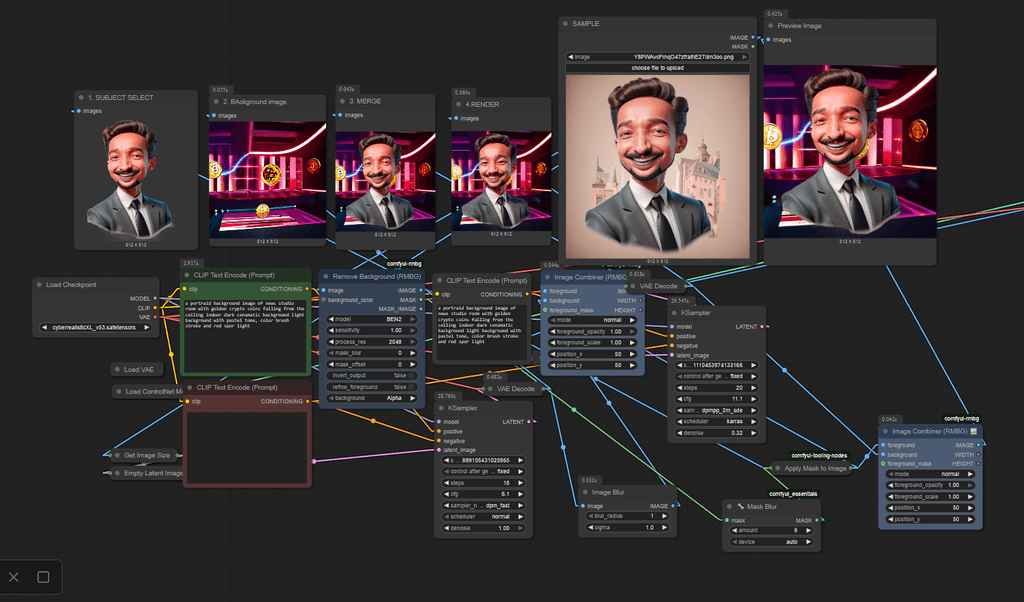
ComfyUI — Node-Based Modular Workflow

ComfyUI — Node-Based Modular Workflow

🔀 Supports multiple models, LORAs,
🧊 Render a 3D model
🎨 Style blending

🔀 Supports multiple models, LORAs,
🧊 Render a 3D model
🎨 Style blending

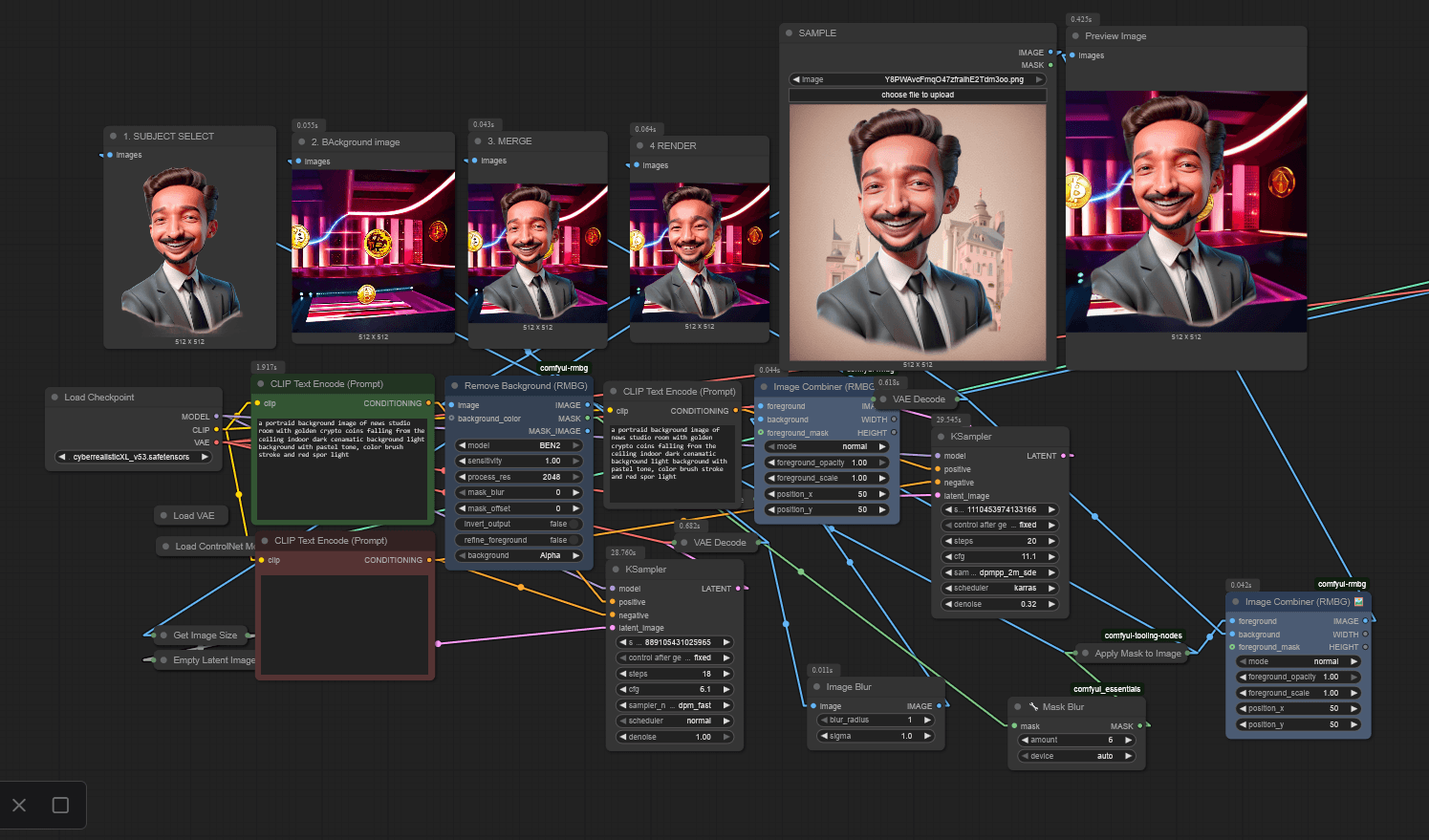
ComfyUI —Basic Workflow for Background Generation

🗂️ Key Steps Illustrated:
• Background removal using BEN2
• AI-based background generation
• Image compositing through layering
• blending foreground and background
• Final optimization for visual coherence

ComfyUI —Basic Workflow for Background Generation

🗂️ Key Steps Illustrated:
• Background removal using BEN2
• AI-based background generation
• Image compositing through layering
• blending foreground and background
• Final optimization for visual coherence

" Model & File Structure Optimization"

I use a centralized mklink-symbolic linking setup for managing large model files (.safetensors, embeddings, etc.),

I use a centralized mklink-style symbolic linking setup for managing large model files
(.safetensors, embeddings, etc.),

I use a centralized mklink-style symbolic linking setup for managing large model files
(.safetensors, embeddings, etc.),

Why it matters?_

Fast tool switching
_ portable, version-control friendly _

Easy onboarding for collaborators
_ perfect for shared pipelines _

Storage optimization
_ by eliminating duplication _

Avoiding redundant folders across tools like ComfyUI, Krita Diffusion, and Stable Diffusion-based UIs
| Here’s a batch script code snippet I use to automate symbolic linking of model directories across AI tools:

| Here’s a batch script code snippet I use to automate symbolic linking of model directories across AI tools:

| Here’s a batch script code snippet I use to automate symbolic linking of model directories across AI tools:

| Here’s a batch script code snippet I use to automate symbolic linking of model directories across AI tools:

@echo off
echo Creating symbolic link...

REM Check if the symbolic link already exists
IF EXIST "Link to target folder 1" (
    echo Link or folder already exists at: Link to target folder
) ELSE (
    mklink /D "Link to target folder 1" "Link to source folder"
    echo Link created successfully.
)

# with example for second directory 
IF EXIST "F:\COEDED\AI\KRITAS\ComfyUI\ComfyUI\ComfyUI\models" (
    echo Link or folder already exists at: F:\COEDED\AI\ComfyUI_windows_portable\ComfyUI
) ELSE (
    mklink /D "F:\COEDED\AI\KRITAS\ComfyUI\ComfyUI\ComfyUI\models" "F:\COEDED\AI\KRITAS\models"
    echo Link created successfully.
)

pause

Selected

AI WORK

explore

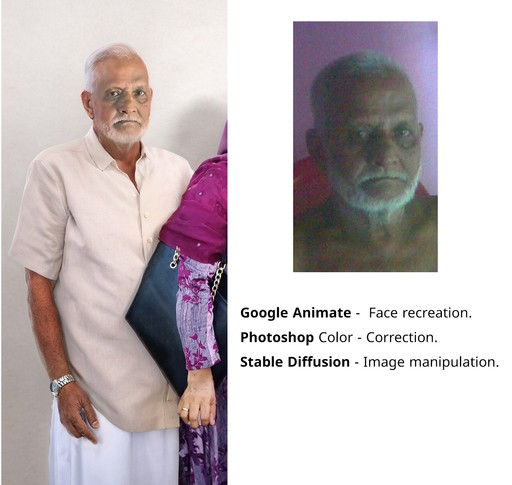
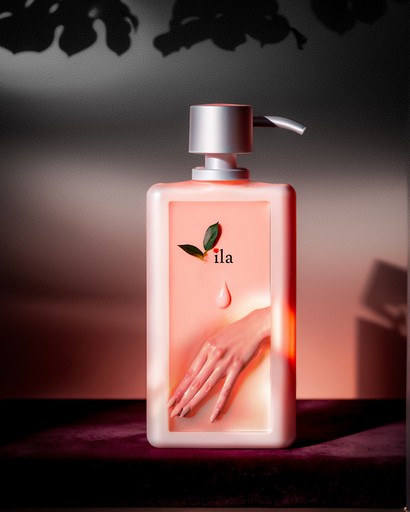
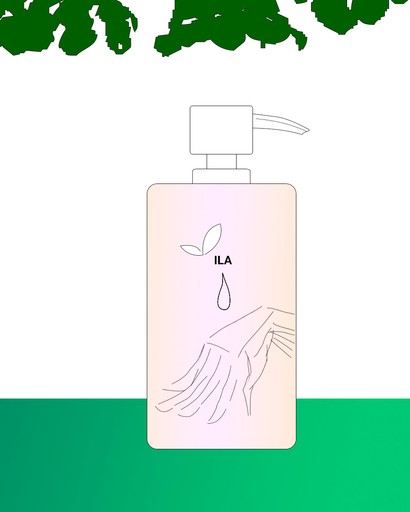
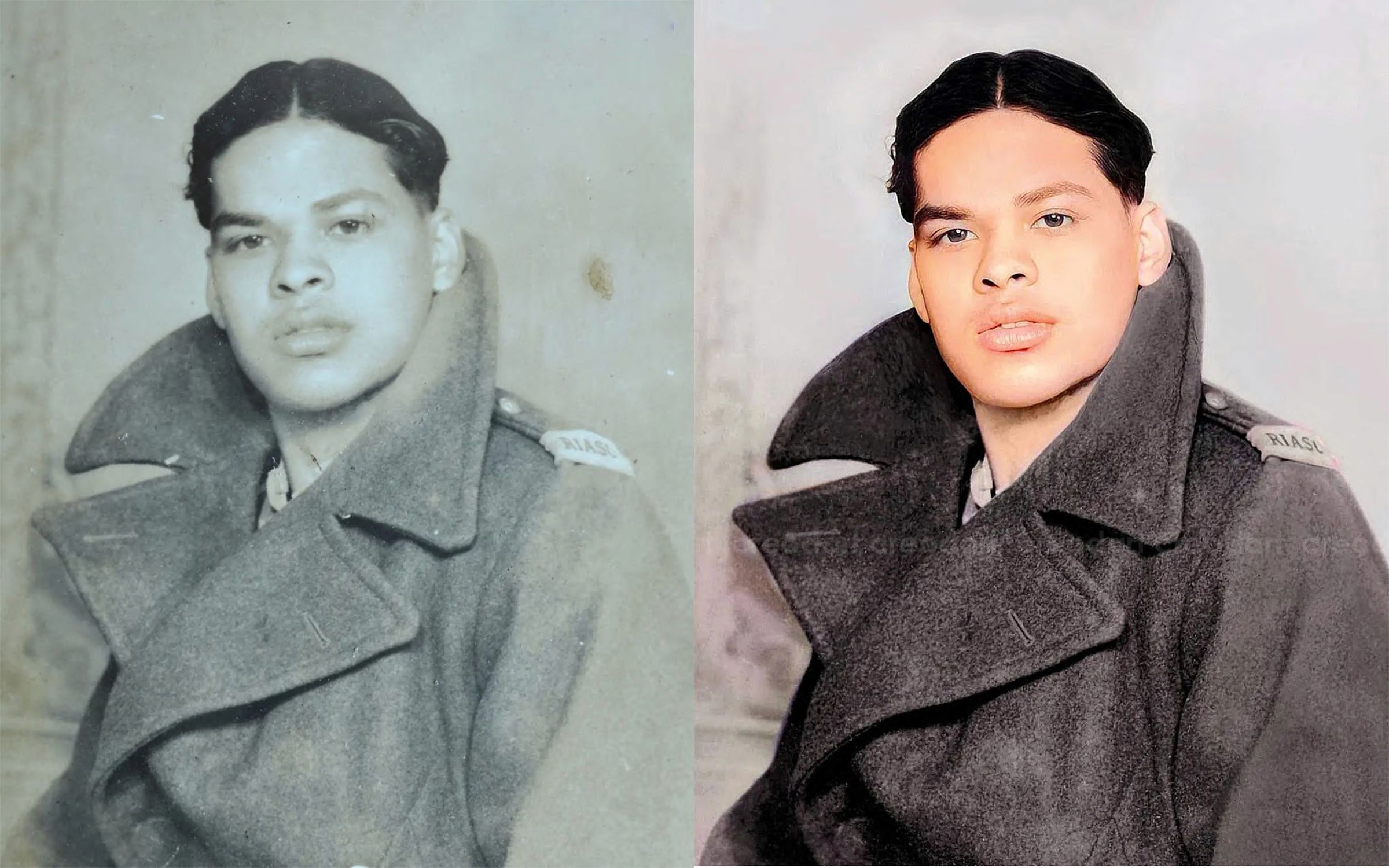
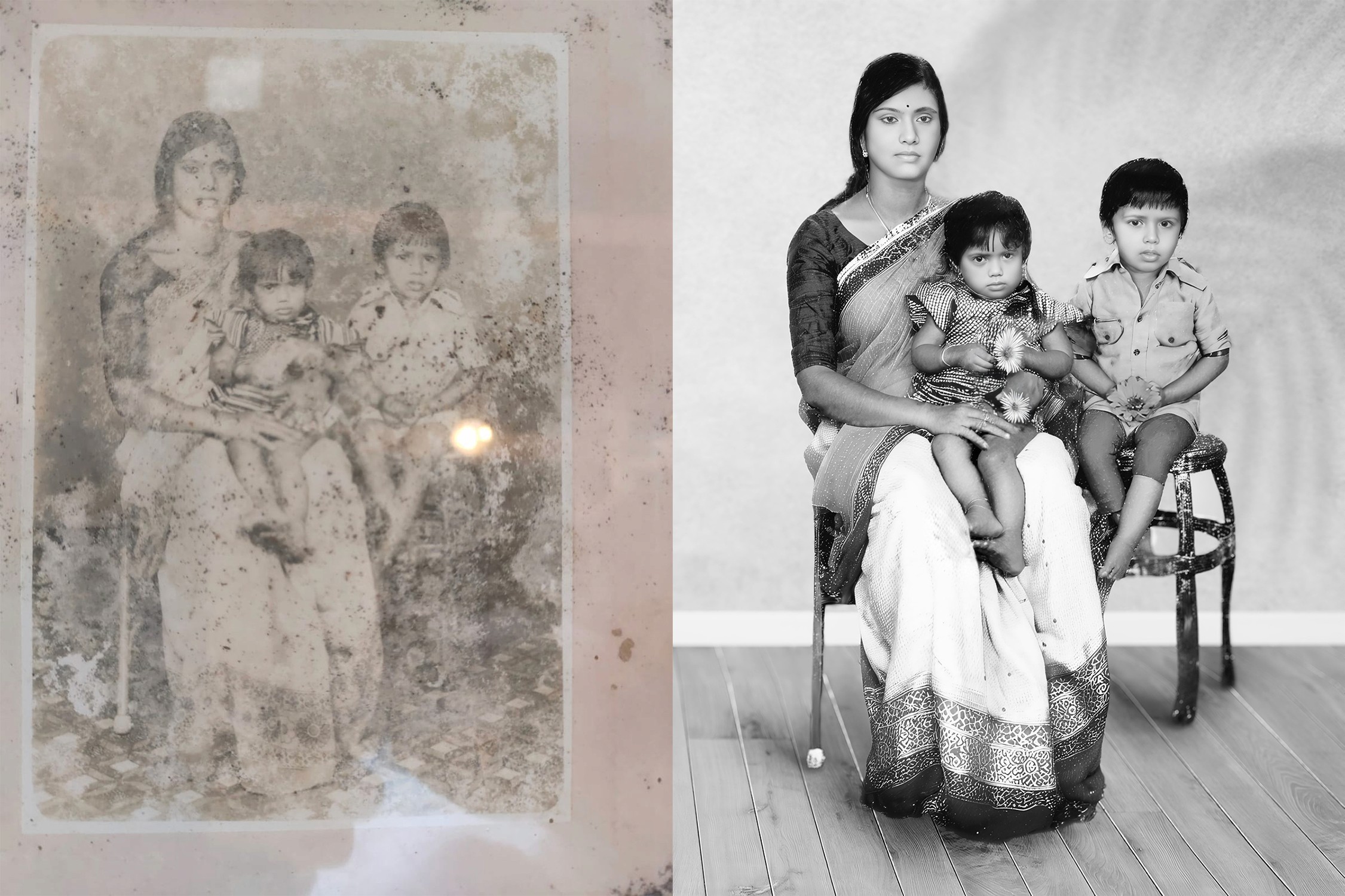
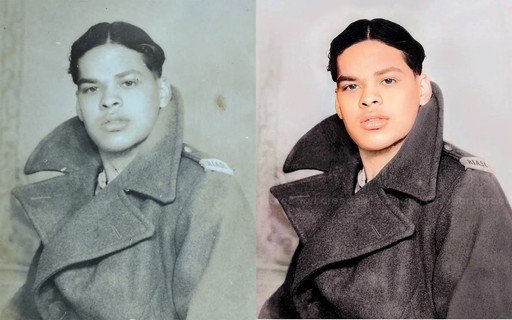
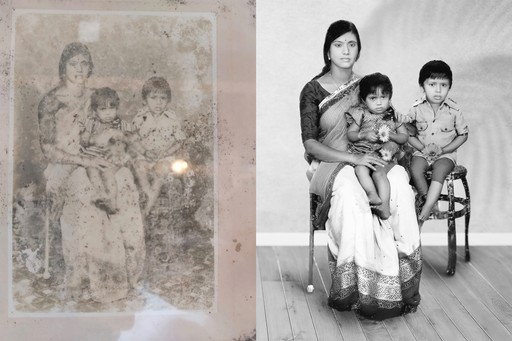
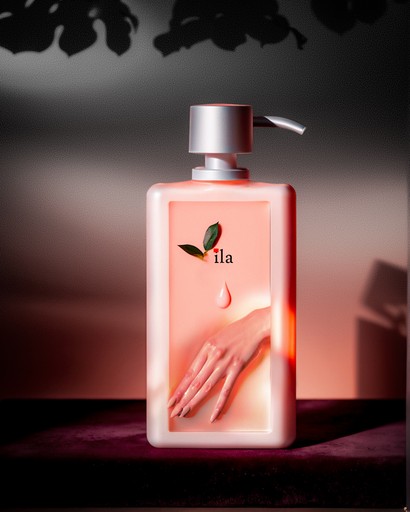
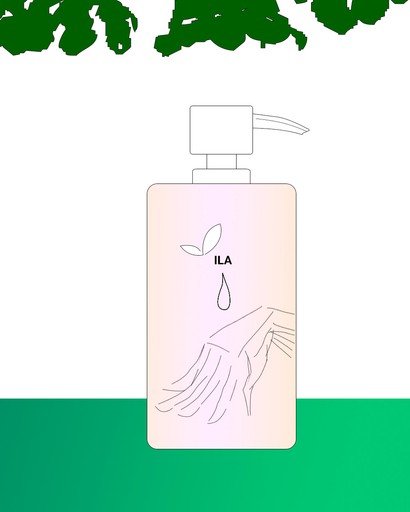
Enhanced with open-source AI: blending photo restoration and product photography design into one seamless visual._

Product

Stable Diffusion

Reference

Photoshop

Photo restoration

Stable Diffusion

Stable Diffusion

From Imagination

to REALITY
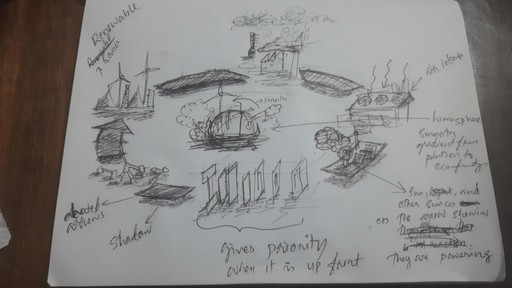
" trust the process"

MANIPULATION

Manipulation: Adobe Photoshop


🧾 Color grading with CameraRaw
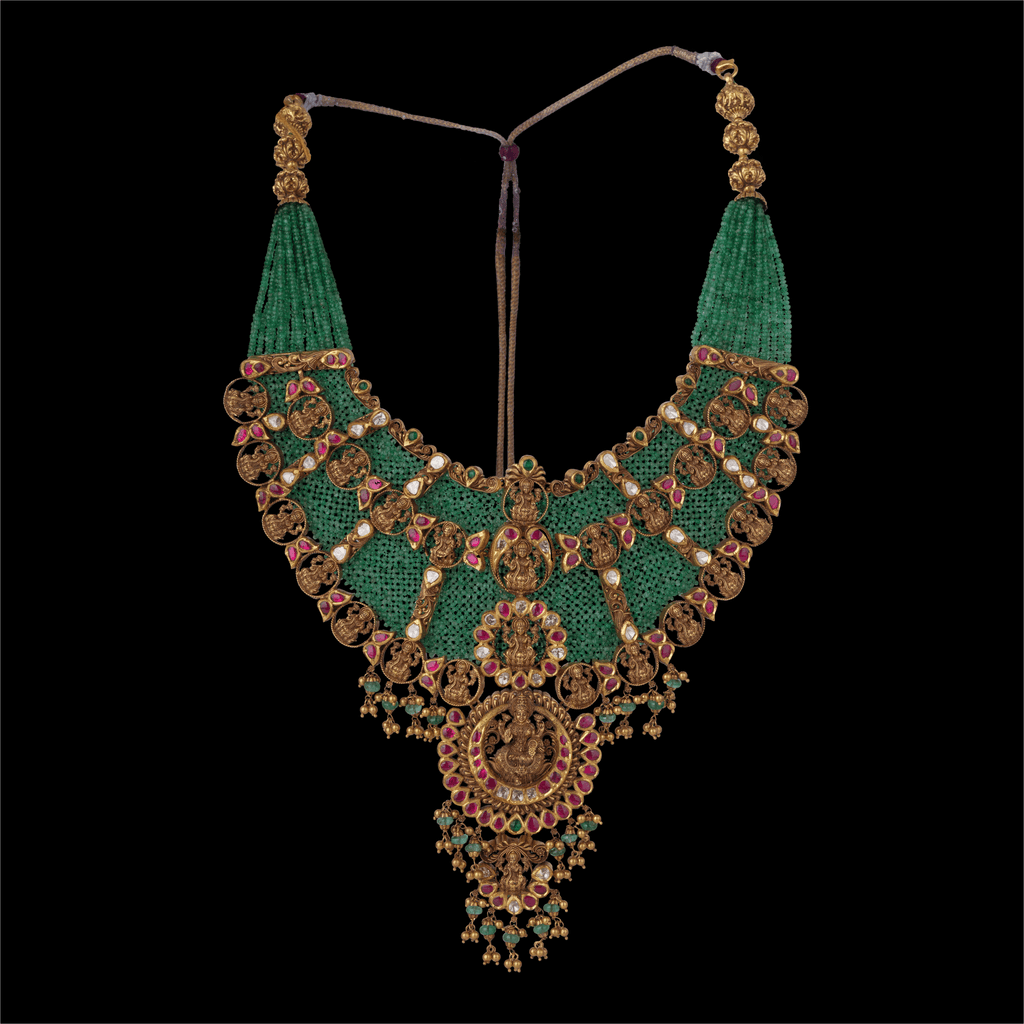
BEFORE

AFTER
PROJECTS

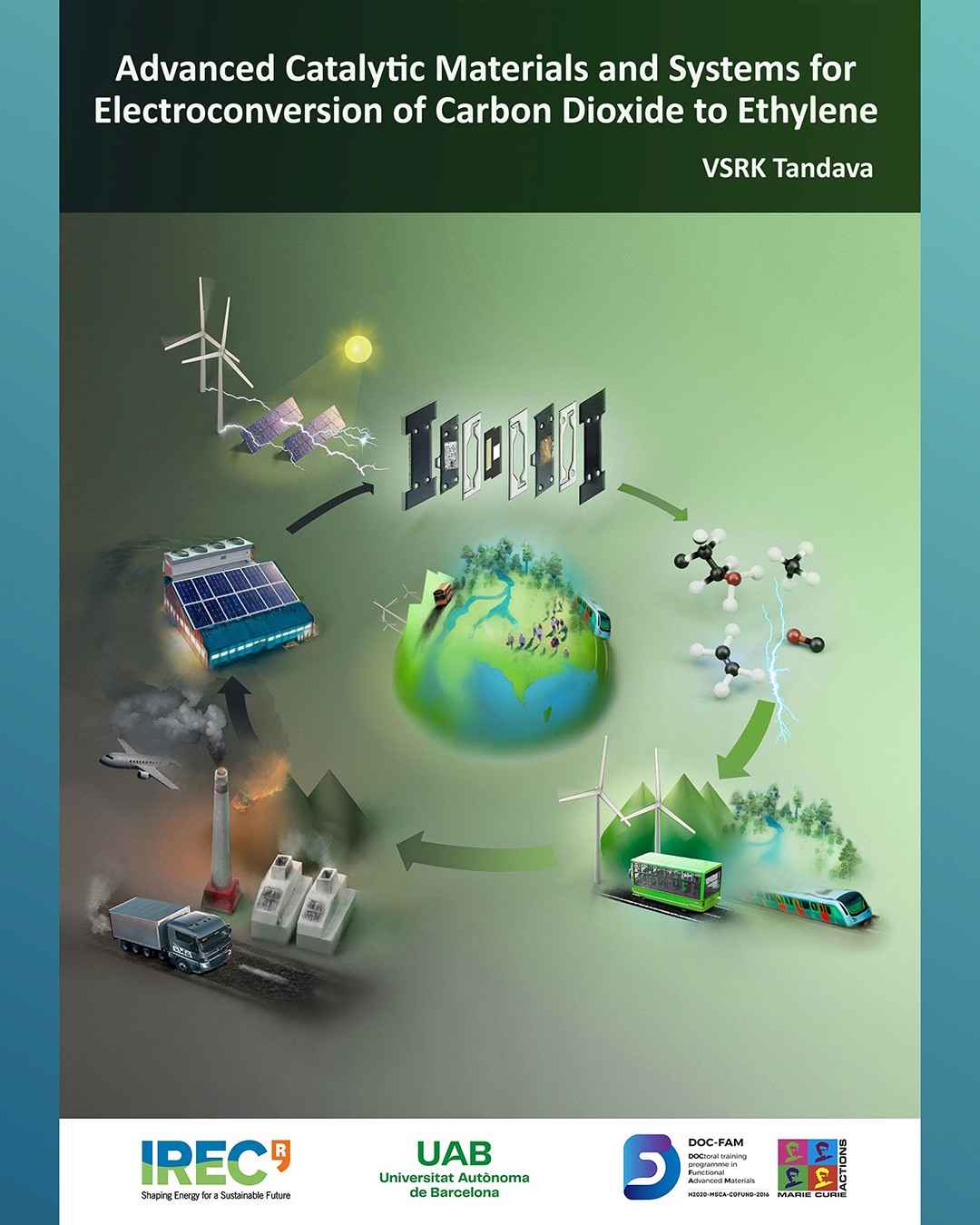
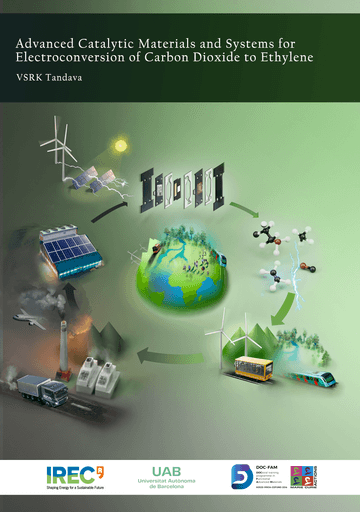
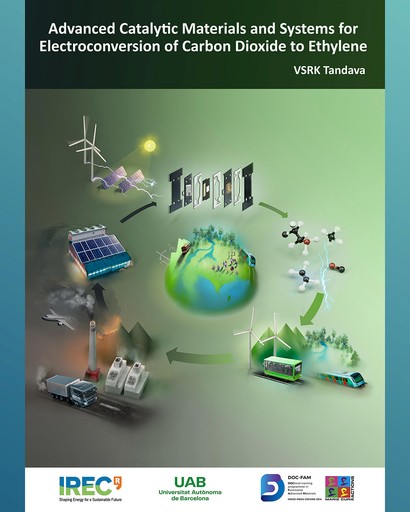
Coverpage Illustration

Advanced Catalytic Materials and Systems for the Electroconversion of Carbon Dioxide to Ethylene

Duration

2 Days

User Satisfaction

9.5*

Coverpage Illustration

Advanced Catalytic Materials and Systems for the Electroconversion of Carbon Dioxide to Ethylene

Duration

2 Days

User Satisfaction

9.5*

Coverpage Illustration

Advanced Catalytic Materials and Systems for the Electroconversion of Carbon Dioxide to Ethylene

Duration

2 Days

User Satisfaction

9.5*

Coverpage Illustration

Advanced Catalytic Materials and Systems for the Electroconversion of Carbon Dioxide to Ethylene

Duration

2 Days

User Satisfaction

9.5*

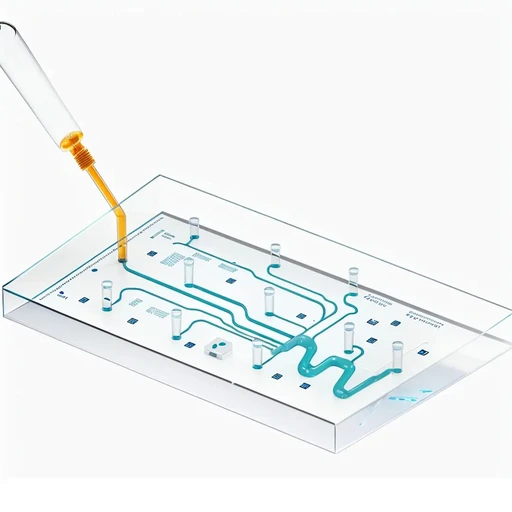
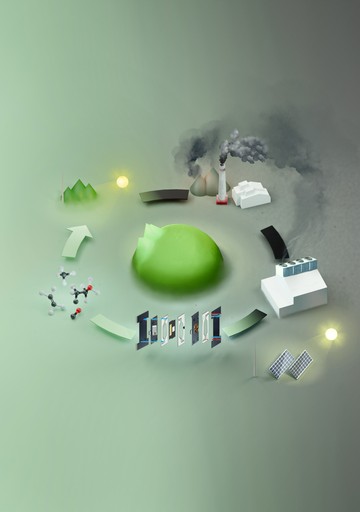
Coverpage Illustration for Soft Matter

With conceptualizing science at microscale the goals was to create a cover image for Innovation in exploring photo-controlled Marangoni flows for soft matter actuations.

Duration

3 Days

Satisfaction

100%


Software Projects

Automated OCR and Image Processing for Scientific Figures | Implemented an OCR pipeline exploiting pytesseract library using Python • Converting low resolution Scientific Figures to Text editable pdf file • Generates super imposed text layout for figure recreation in order to adhere to journal guidelines

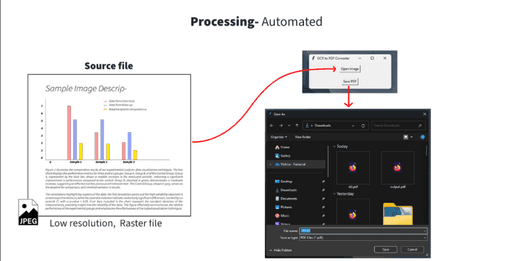
Success Rate

85%

Projects Implemented

95%
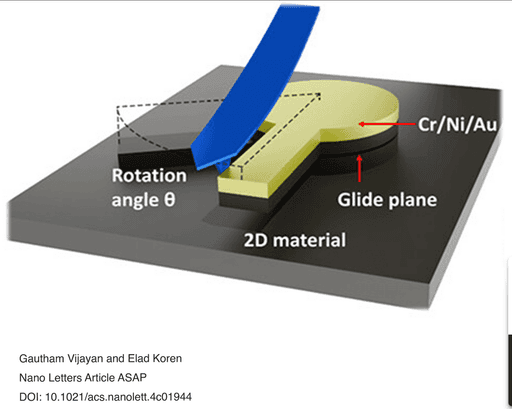
Schematics

Schematics of Twisted Graphite and MoS2 Interfaces using Blender

Duration

3 H

User Satisfaction

10*

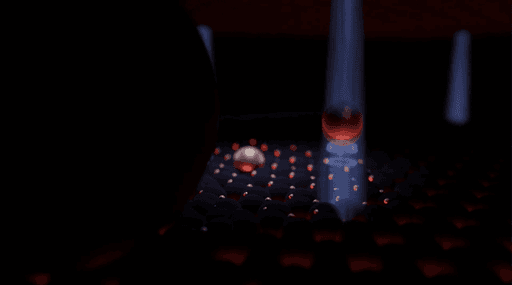
Animation

A simple animation of a funny creature miniball captured by an alien

Duration

5 h

User Satisfaction

95%

  • ABOUT ME

I'm Vishnu, a designer with 6+ years of experience, focused on creating intuitive, designs that enhance client satisfaction.

Create a free website with Framer, the website builder loved by startups, designers and agencies.